
Require an approval step
Some actions are worth a second pair of eyes before they take effect. The switches live in Setup → Settings → Approvals; the waiting work lands on Home → Approvals, where a qualified colleague releases or refuses it.
-
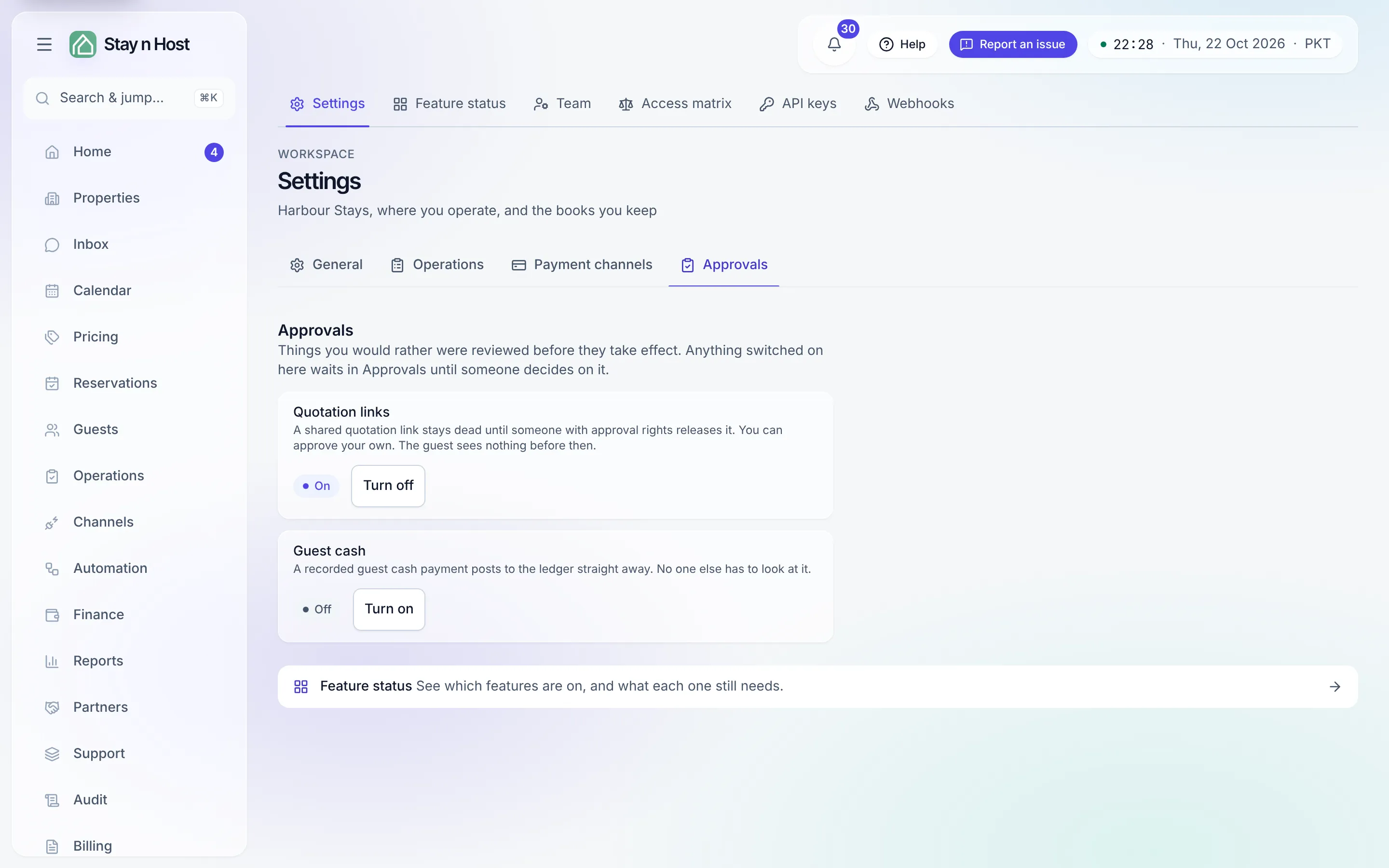
Open Setup → Settings → Approvals. Two switches live here:
- Quotation links - off, a shared link goes live the moment it is created; on, it stays dead until someone approves it. The guest sees nothing before then.
- Guest cash - off, a recorded guest cash payment posts to the ledger straight away; on, it parks for an approval step before it posts. Anyone who can approve may release it, including whoever recorded it.
-
Click “Turn on.” The flip is immediate - this is not a draft, and a gate you believe is armed while links still release would be worse than either setting.
-
Work the queue on Home → Approvals. Pending items show what was requested, who raised it, and how long it has waited. Approve releases it immediately; Reject refuses it and the requester starts again. Either way you can attach a note, and the decision is recorded against your name in the audit trail.
-
Check the Decided tab when you need history - approved and rejected items keep their outcome, decider, and note.
Who can decide
Section titled “Who can decide”Seeing the queue and deciding on it are separate permissions. Admins, Booking Managers, Account Managers, and Property Managers can decide; a role that can only view sees the queue with a sentence instead of buttons, so it is never mistaken for a broken screen.
What’s next
Section titled “What’s next”- Invite a teammate who can decide, before the queue backs up.
- Every decision lands in the audit trail with actor, time, and note.