
What a guest sees, end to end
Everything else in this section is written from your side of the screen. This page is written from the guest’s, because the fastest way to spot something wrong with your site is to walk it the way a stranger would.
The screenshots below are a real published Stay n Host site, not a mock-up.
1. The front door
Section titled “1. The front door”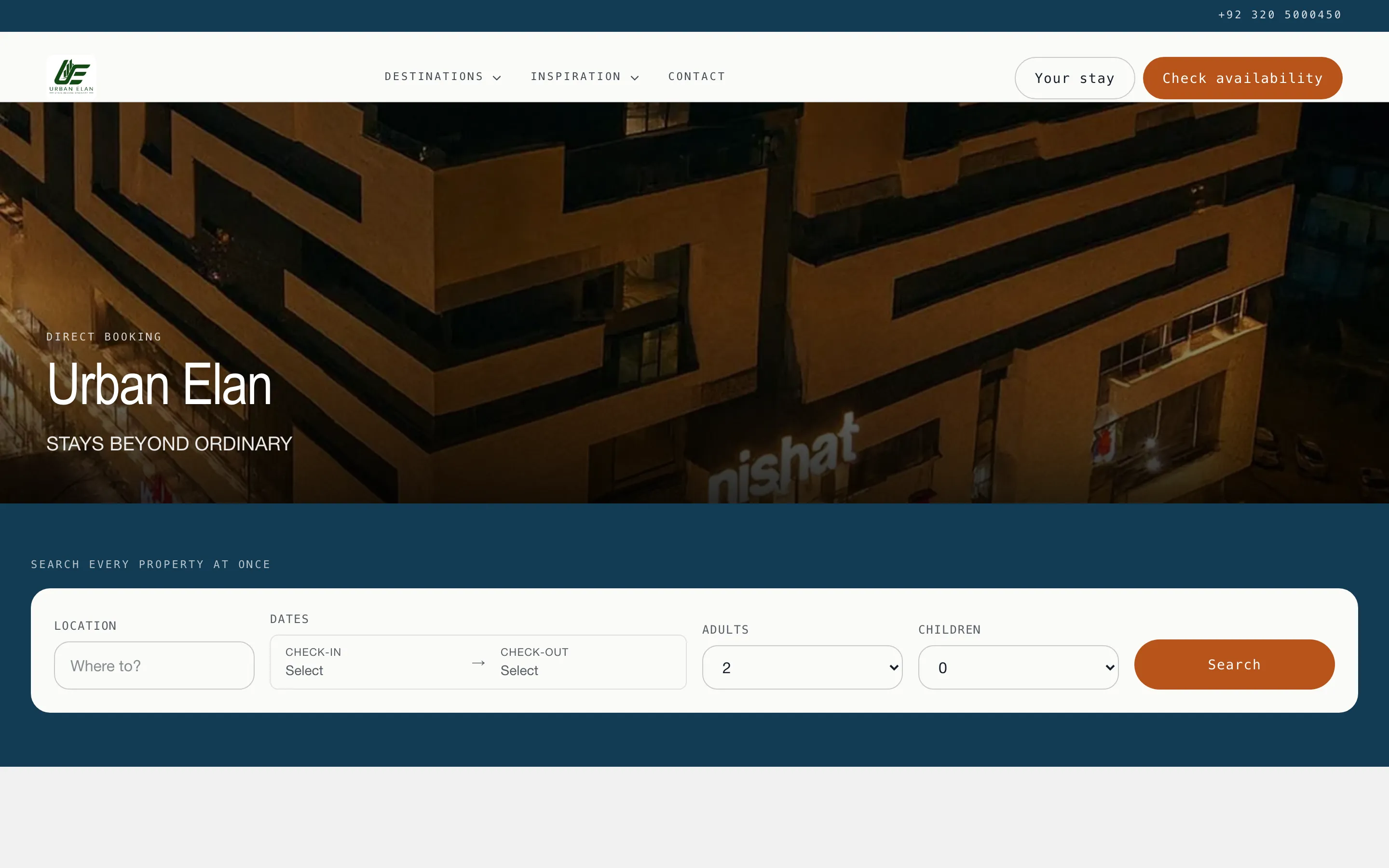
Your logo, your hero image, your tagline, and a search box that spans every property you published. Below the fold sit your destinations, your collections, and whatever custom pages you added.
If a guest has no dates in mind, the same box offers “I’m flexible”: a length of stay and a month, answered with when the portfolio is actually free.
2. Results
Section titled “2. Results”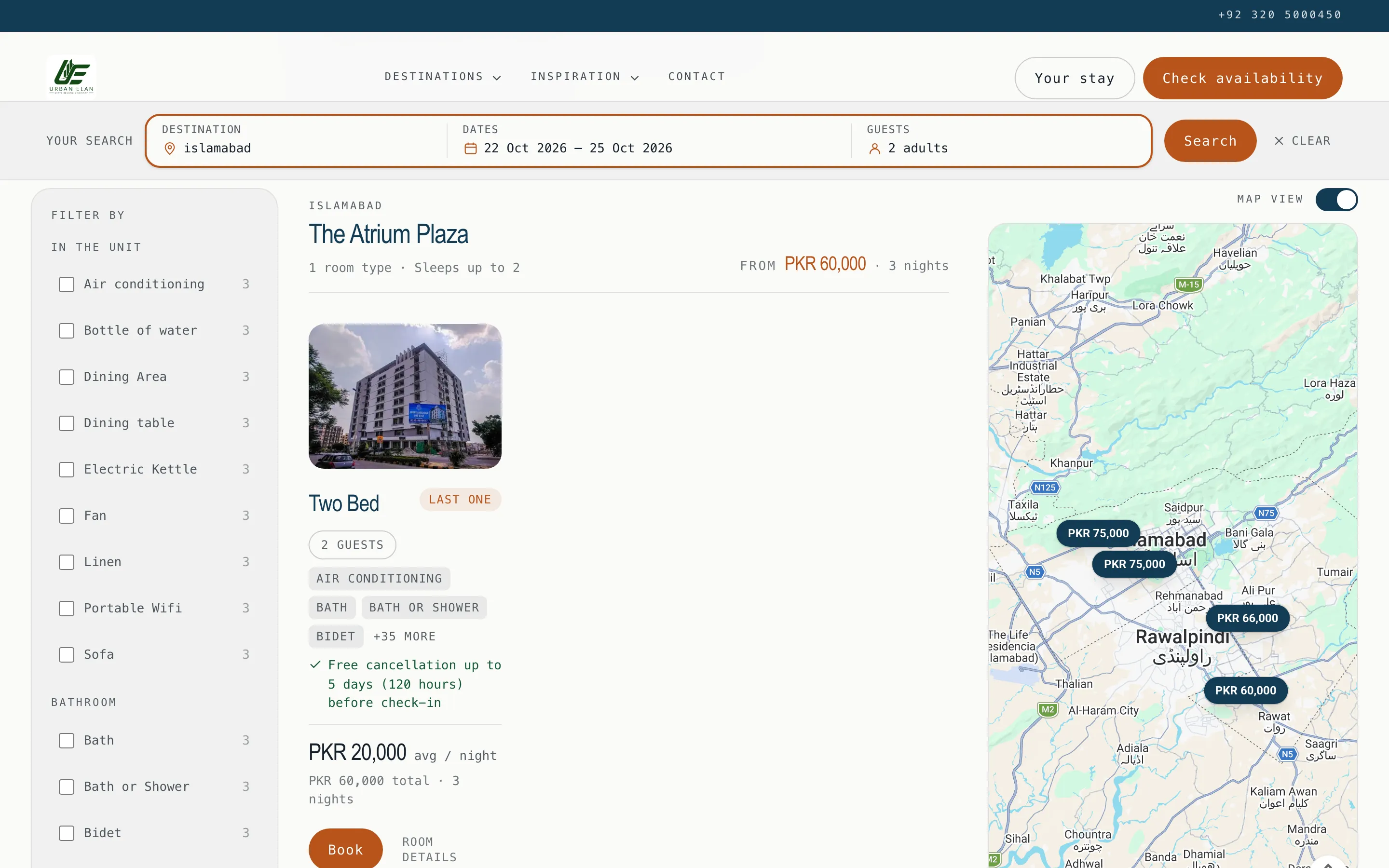
Rooms that can genuinely take those dates, grouped by property, each with the total for the stay and the average per night. The rail on the left filters by the amenities your units actually carry, with a count beside each one, so a guest never picks a filter that returns nothing.
Map view puts a price pin on each property. A pin opens that property’s card.
3. A property
Section titled “3. A property”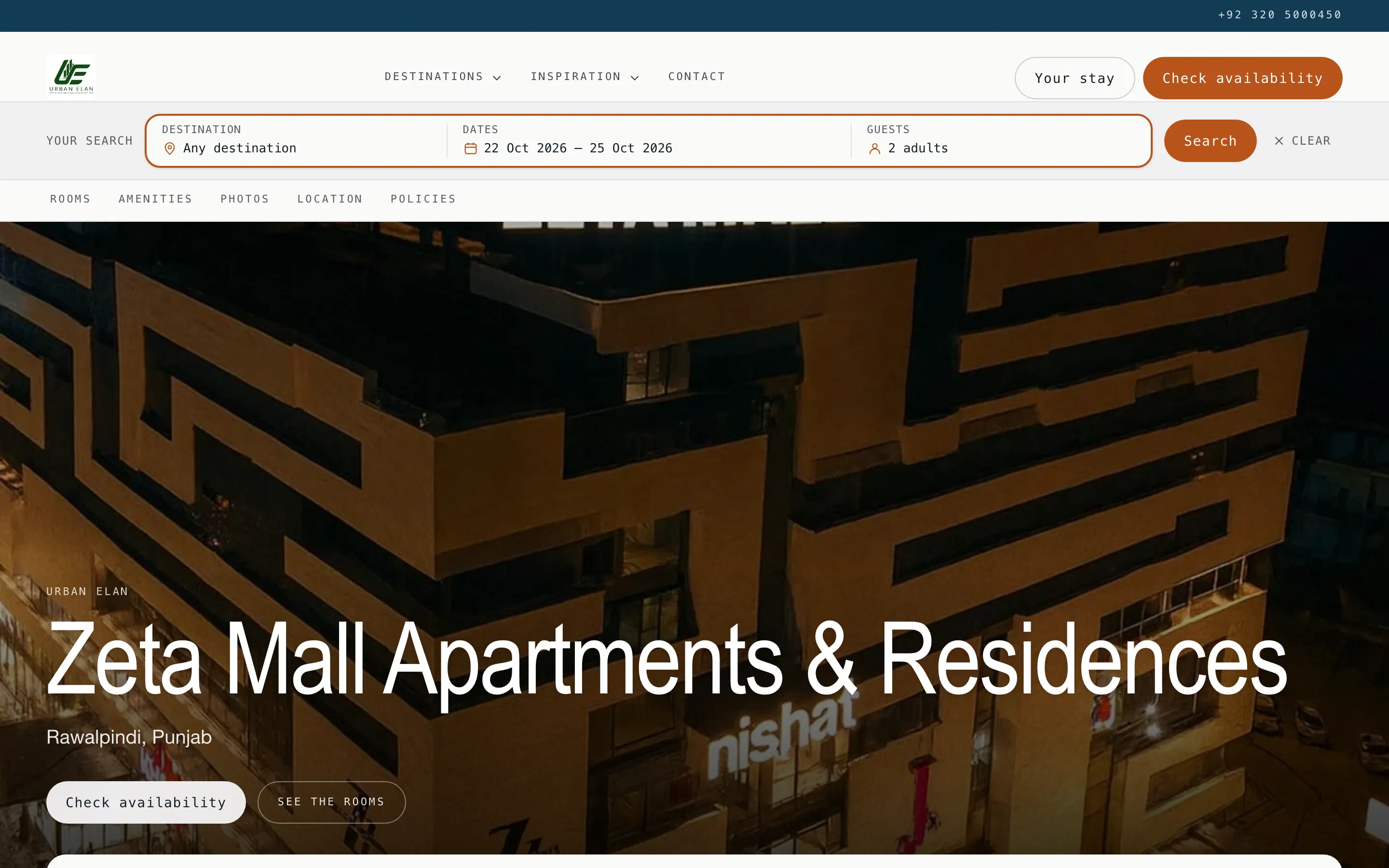
Your photographs, your description, the amenities, the map, and your policies, in the order a guest decides in. The tab strip sticks to the top as they scroll.
4. The rooms
Section titled “4. The rooms”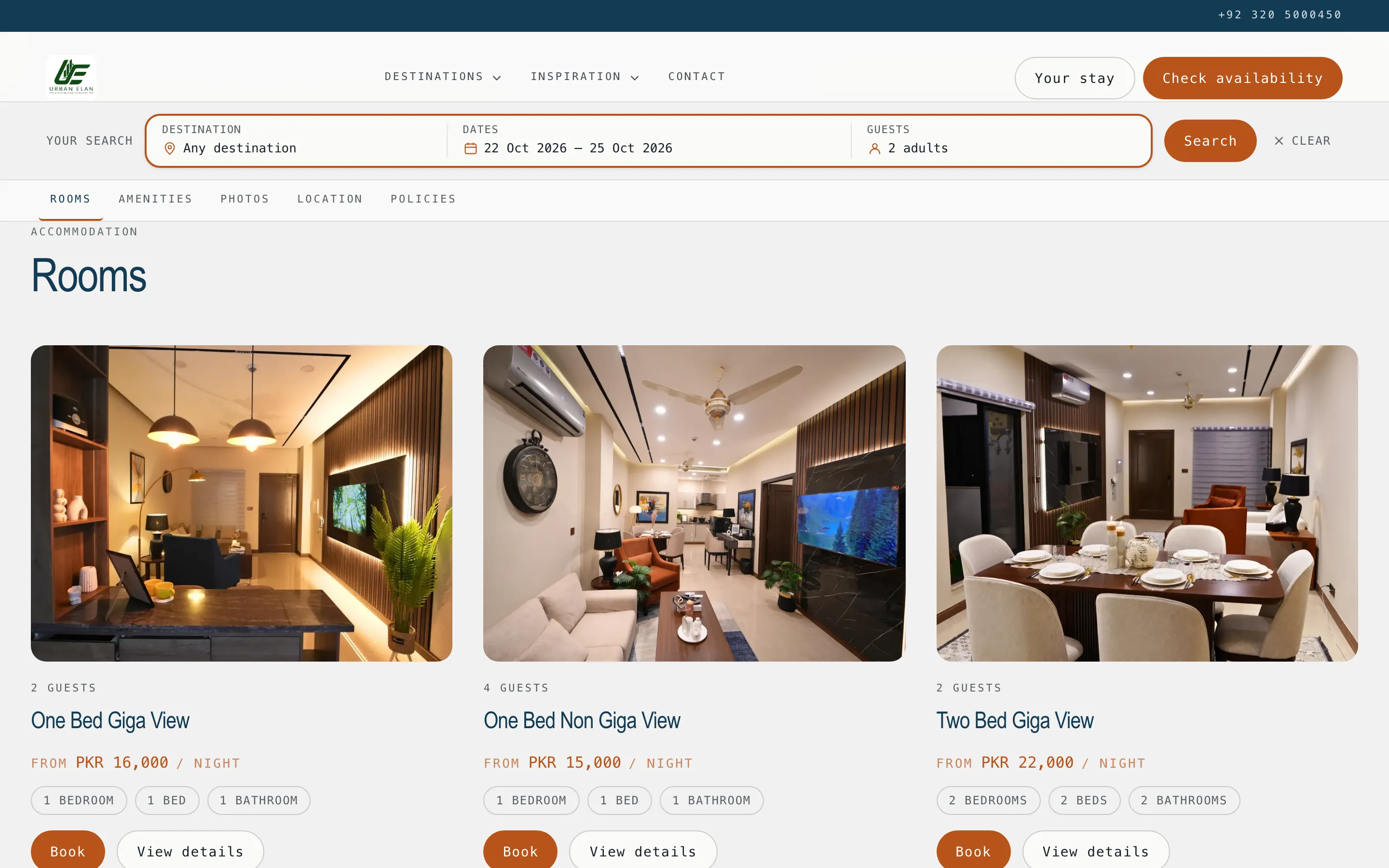
One card per room type, each priced for the dates the guest already typed. Their search travels with them: a click never costs a guest their dates.
5. A room
Section titled “5. A room”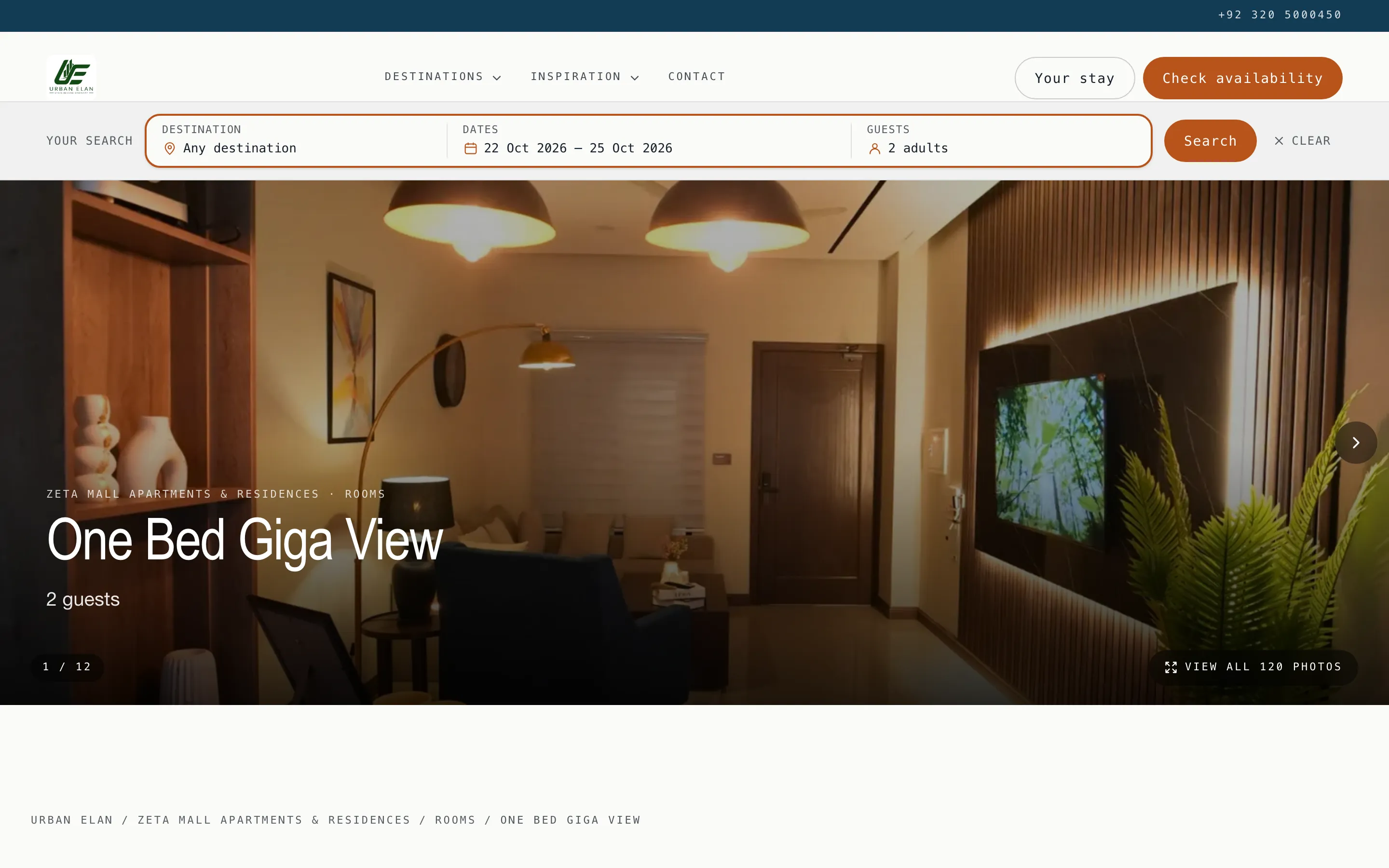
The room’s own gallery, its facts, your written description of it, and Book.
6. The enquiry, or the booking
Section titled “6. The enquiry, or the booking”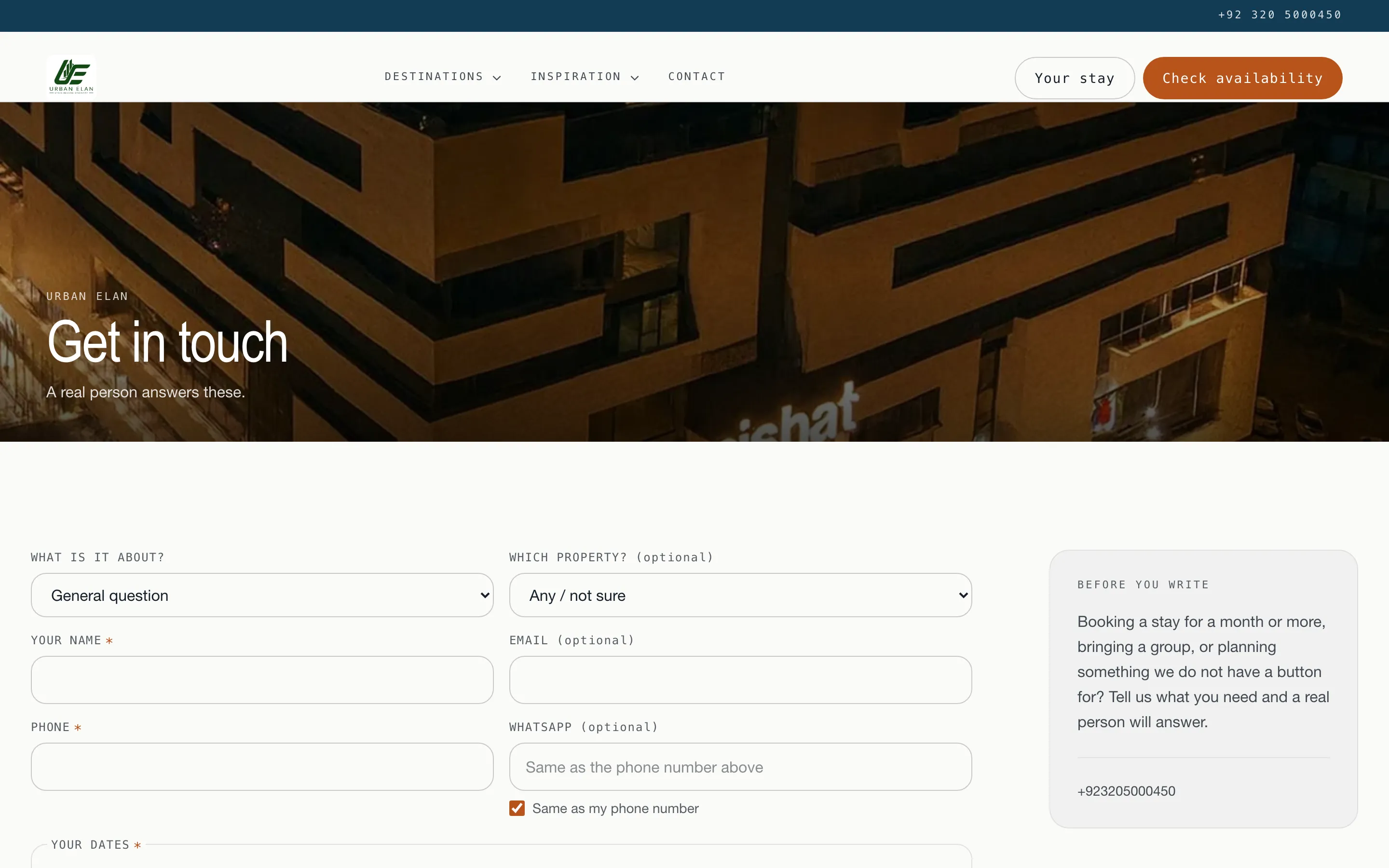
Two doors, and both land in your workspace:
- Book takes the guest through the funnel: their details, then a quotation with your bank details, then your confirmation. It mints a priced inquiry - nothing is held until a payment proof is recorded and verified.
- Enquire is for the stay that does not fit a form: a long stay, a group, a question. Every accepted enquiry opens a real inquiry in your inbox, with the guest’s dates, phone and WhatsApp number attached.
Walk your own site before you publish
Section titled “Walk your own site before you publish”Open it signed out, in a private window, on a phone. The three things that most often look wrong to a stranger and right to you:
- A property with no photographs. It falls back to its rooms’ photos, and if those are empty too the card is bare. See Photos.
- Prose you wrote as one paragraph. Your line breaks are kept, so what looks like a wall of text in the editor is a wall of text on the site.
- A collection that currently matches nothing. It is hidden from the guest rather than shown empty, so check the match count on the Collections tab.