
Bookings & stays
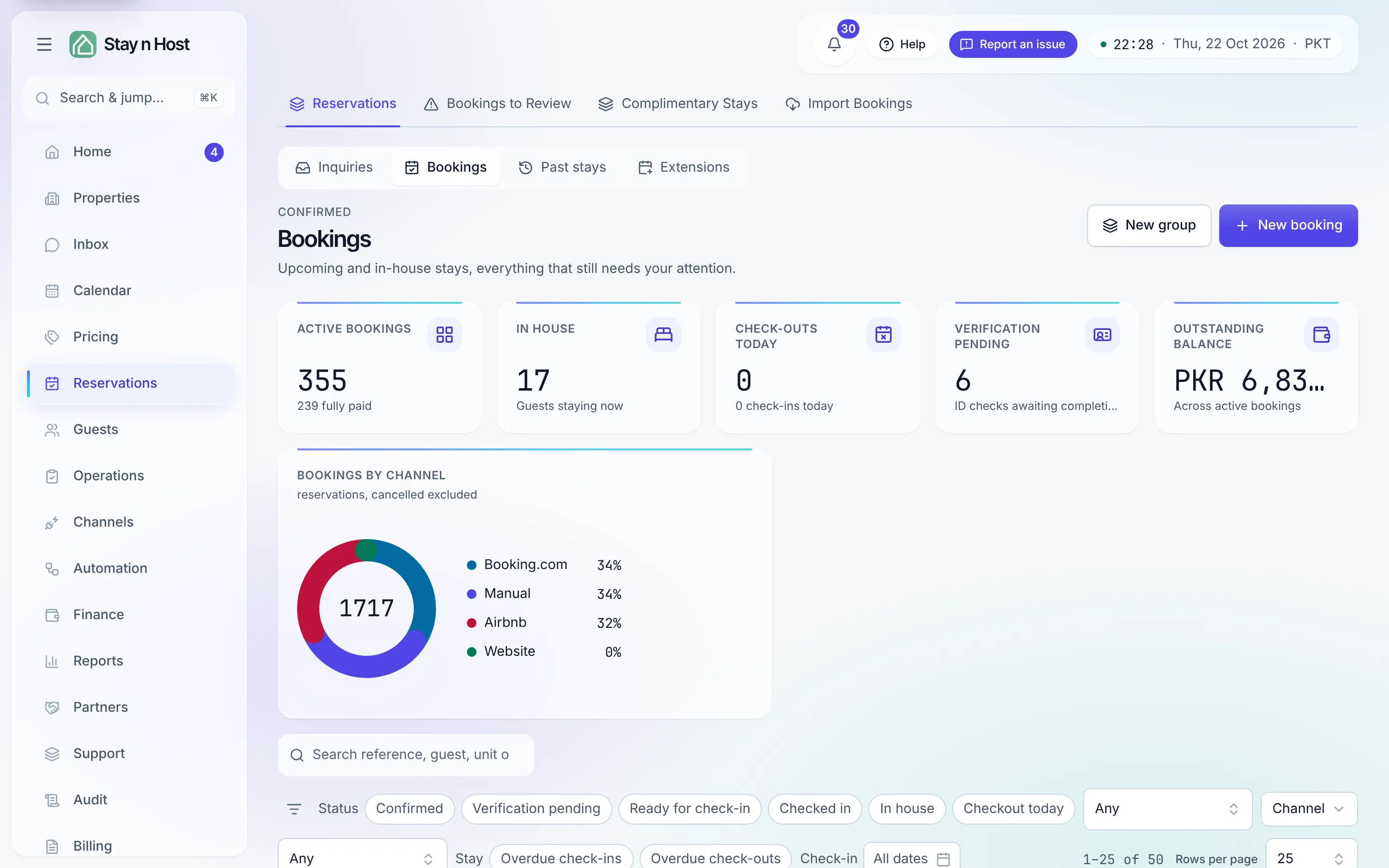
Once an inquiry confirms, it becomes a booking and moves to the Bookings stage of the Reservations list until the stay ends.
| Where | What it’s for |
|---|---|
| Reservations -> Bookings | Every confirmed booking that still needs something from you - each opens the full booking record. |
| Reservations -> Extensions | Add-nights requests, with a request-and-approve flow and extra-revenue tracking. |
| Reservations -> Past stays | The archive - stays that ended, cancelled, or never happened. |
| Reservations -> Import Bookings | Bring your history in from a spreadsheet: paste → map → preview → commit, with money as its own step. |
| Guests -> Guest Screening | The ID-verification queue across all bookings. |
| Guests -> Guests | Guest profiles: stay history, flags, blacklist, duplicate merge. |
Anatomy of a booking
Section titled “Anatomy of a booking”Each booking record carries the whole stay in tabs: Overview · Payments · Messages · Guest screening · Access codes · Condition · Turnover · History. If you’re looking for anything about a stay, it’s on one of these eight - the tour walks through each.
The stay lifecycle
Section titled “The stay lifecycle”- Screen the guest - send a secure ID-upload link; verify what comes back.
- Door codes release once payment ✓ and ID ✓ - by hand or by the pre-check-in agent.
- Check in from Today’s movements (or the booking itself) - or mark a no-show if the guest never comes.
- During the stay: messages, charges for extras, extensions, and edits with a recorded reason. If plans change: cancel, and handle refunds.
- Check out → a turnover fires on the Housekeeping board → condition evidence → review request.
Money can still go back after the stay: the Refunds panel on a booking’s Payments tab works on past stays too.
Every state change is stamped in the booking’s History tab - who, what, when.