
What the guest sees in the app
The guest app is the only surface in Stay n Host that is only ever opened on a phone, so this walkthrough is at phone size. Every screen below is the real app on seeded data.
Every tile is conditional on what you have configured. A property with nothing filled in shows a short honest menu rather than a page of dead links, which is worth knowing before you decide the app is broken.
The app speaks the guest’s language. A Language picker offers the same eleven languages as your booking site: English, Arabic, Urdu, Chinese (Simplified), French, German, Spanish, Italian, Turkish, Russian and Portuguese. The guest’s choice is remembered, and the booking site uses the same choice.
The menu
Section titled “The menu”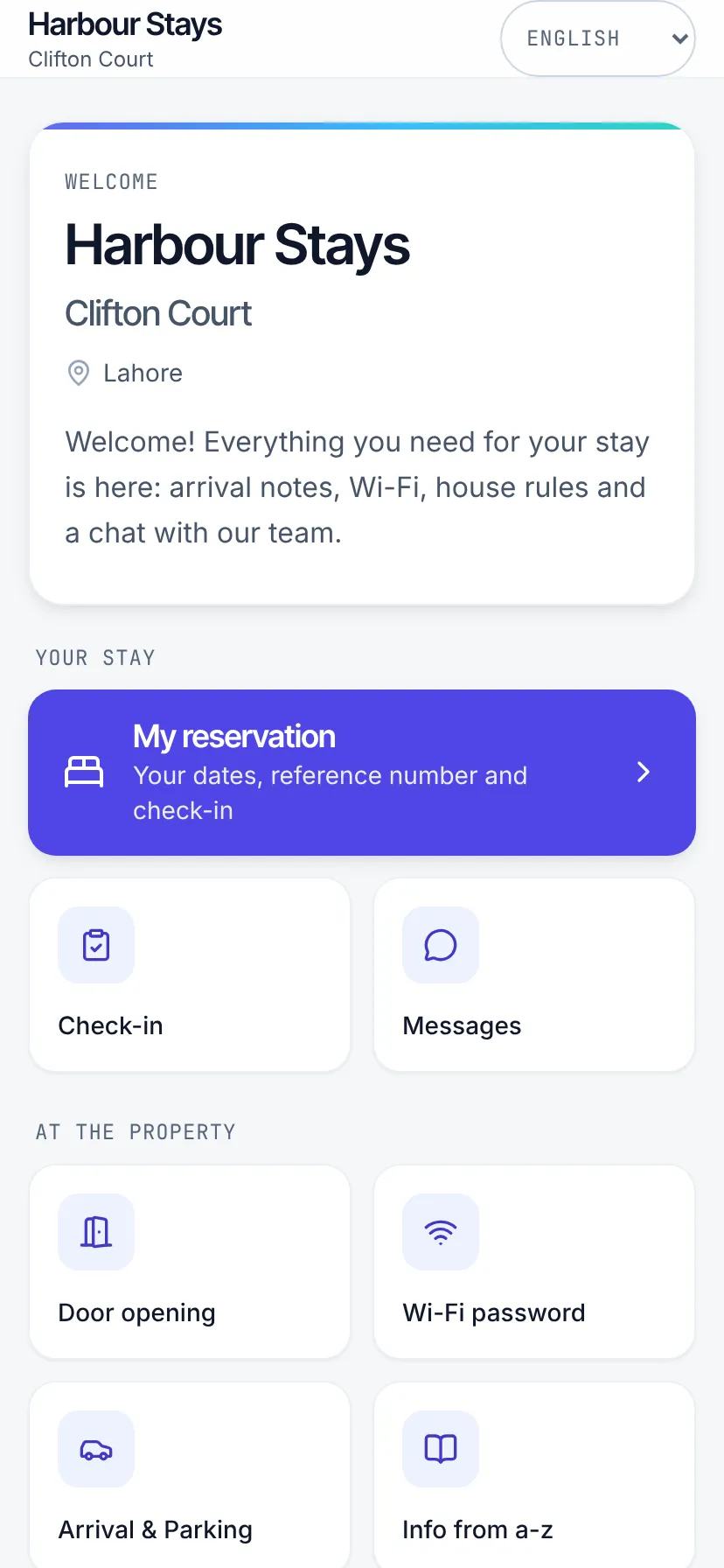
Your welcome message at the top, then two named bands. Your stay is the guest’s own business, and At the property is reference material. “My reservation” is the full width accent card because it is the reason the QR card gets scanned.
| Tile | Appears when |
|---|---|
| Check-in | Self check-in is switched on for the property. |
| Messages | Messaging is switched on. |
| Door opening | You have written door-opening instructions. |
| Wi-Fi password | You have set a network or a password. |
| Arrival & Parking | You have written arrival information. |
| Info from a-z | You have at least one published info page. |
| Anything else | Each custom home page you publish adds its own tile. |
Below the menu, Book your next stay links back to your booking website, so a guest who enjoyed the stay has a direct, commission-free way to come back. It shows only while your booking website is published.
My reservation, and the door code
Section titled “My reservation, and the door code”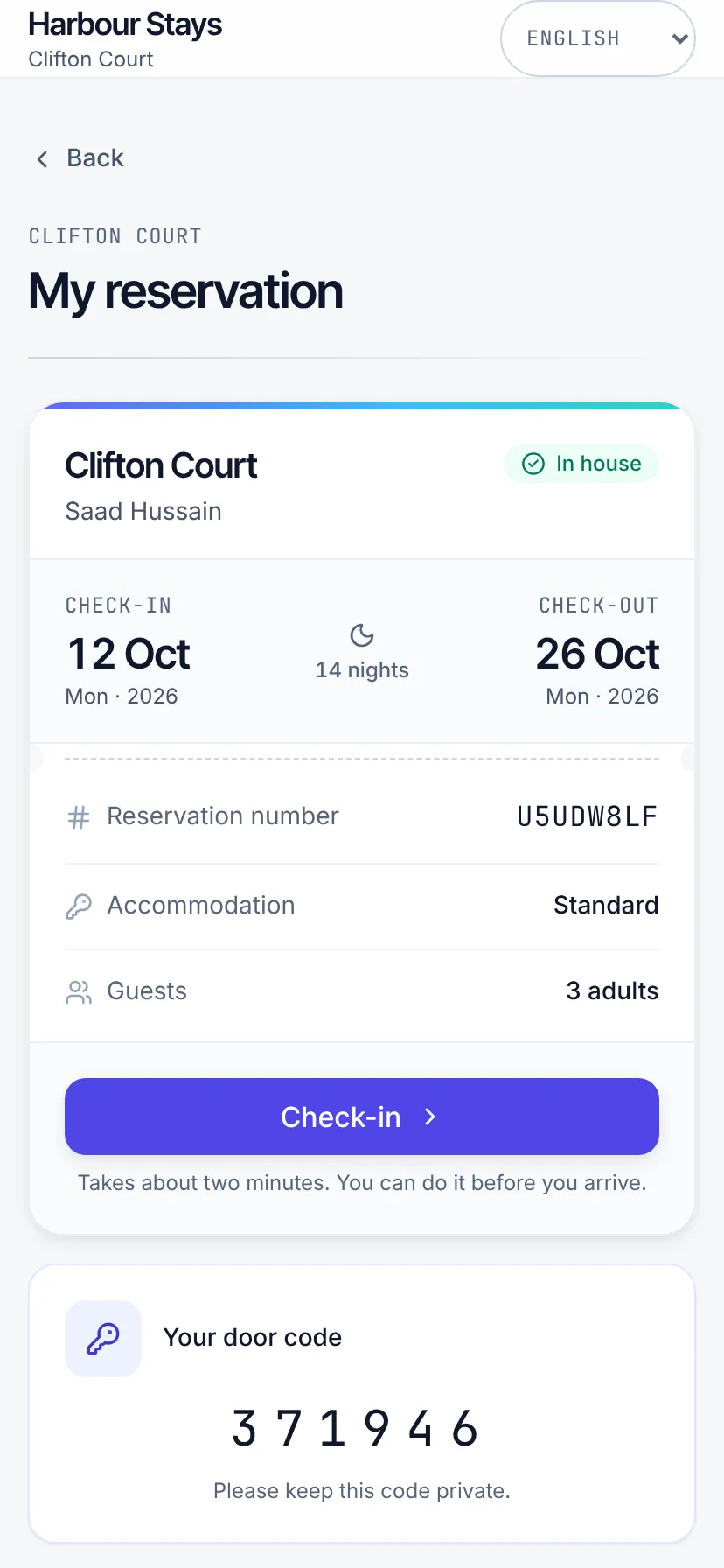
The dates, the reservation number, the unit, the party, and a check-in button. Extras and invoices leads to the guest’s extras and their invoices (below).
The door code appears on this screen and nowhere else, and only once your
guest.lock-code-pre-checkin rule has released it through the payment-and-ID gate. Until
then the panel is absent rather than showing a placeholder: a screen that says “your code
will appear here” is a promise nobody made.
Extras and invoices
Section titled “Extras and invoices”Extras lists the optional extras you offer for the stay (from your fees), each priced per stay, per night or per guest. The guest picks one, chooses how many and adds a note, then presses Ask for this. Nothing is charged here and no card is asked for: the request reaches your team, who confirm or decline it, and the guest pays you as usual. Each request shows its state under Your requests (Waiting for your host, Confirmed, Not available, or Withdrawn), and the guest can withdraw one that is still waiting.
Under Invoices, the guest can download each invoice for the stay, and any credit note.
On your side, an unanswered ask waits on Home → Today under Waiting on you, and on the booking’s Payments tab.
Door opening
Section titled “Door opening”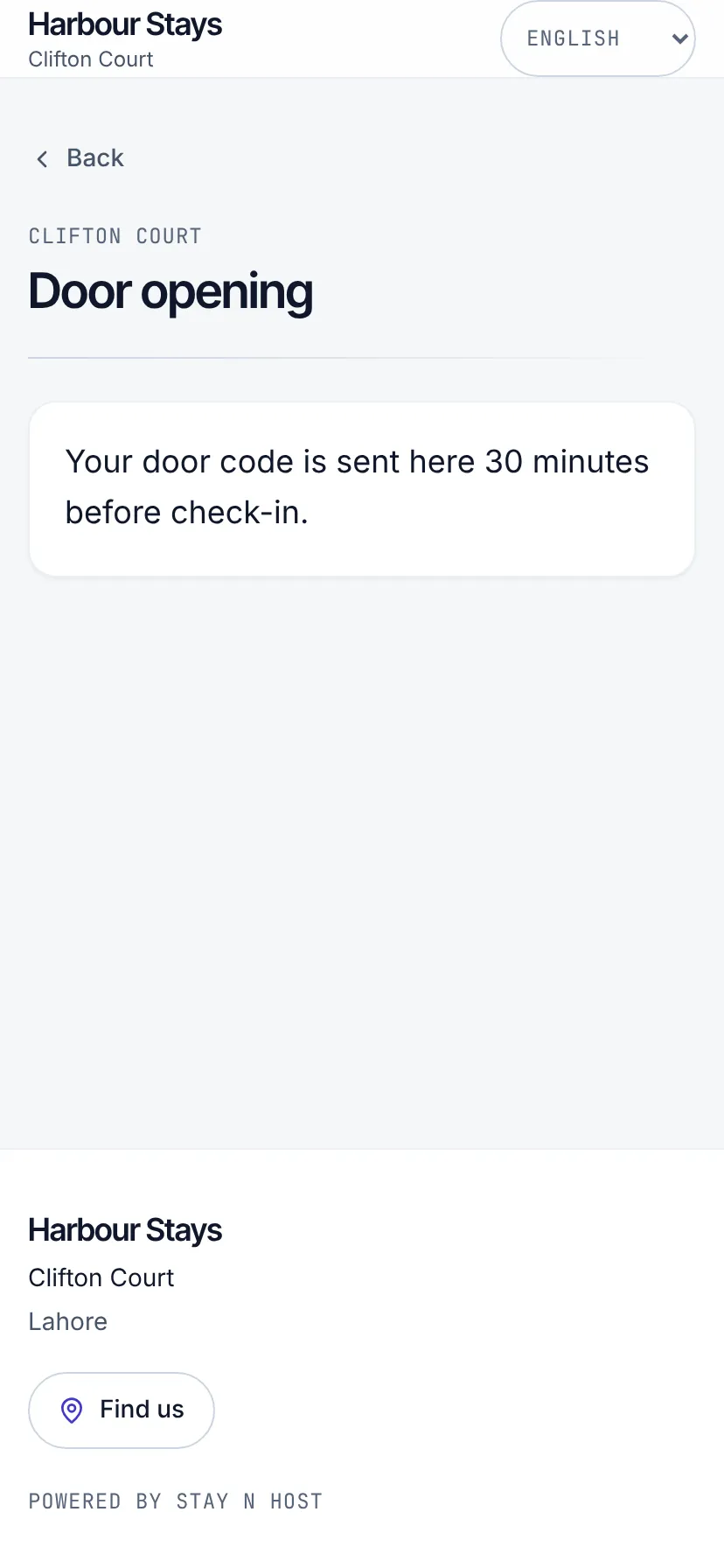
The keypad, the buzzer, the lift, what to do when it does not work. This is the text you would otherwise be sending at 1am.
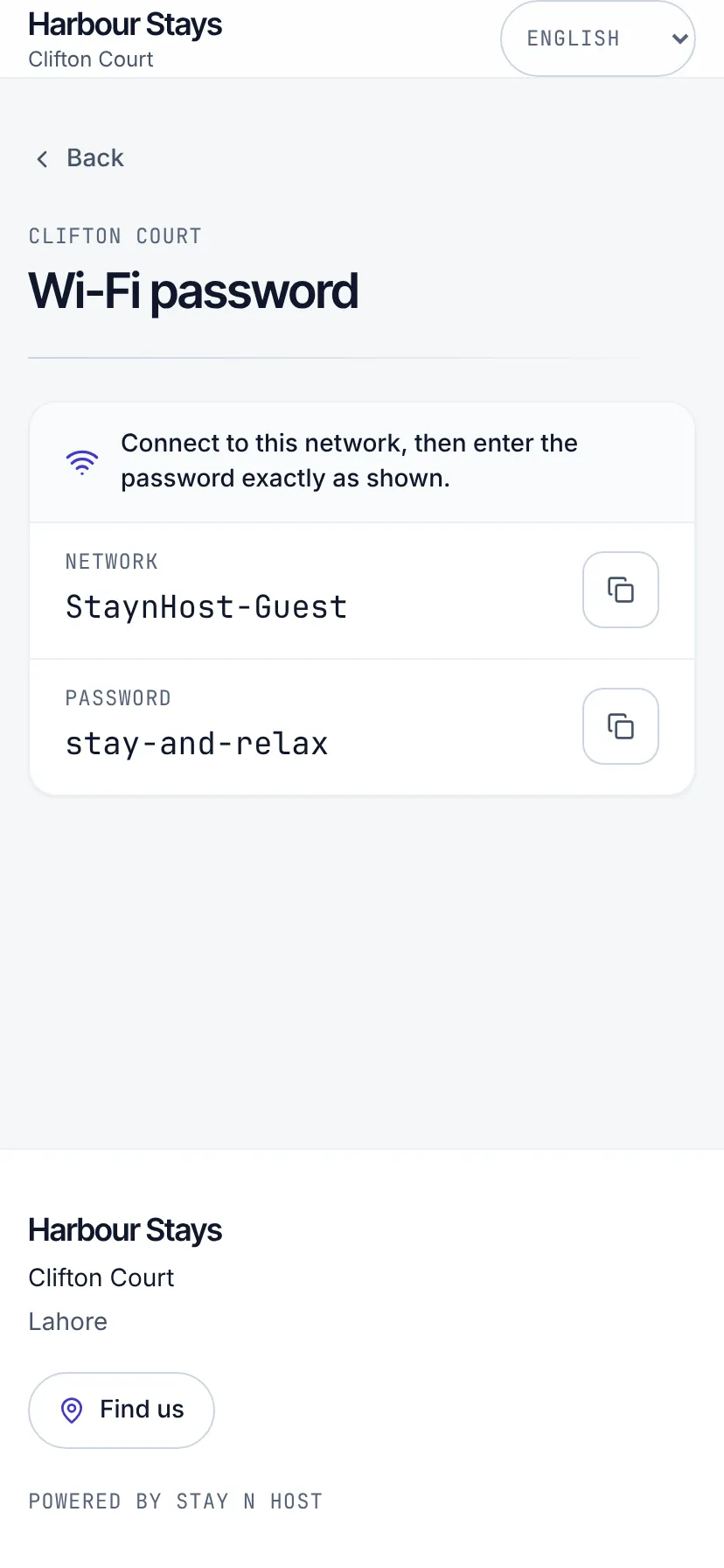
The network and password as text a guest can copy, rather than a photograph of a router taken at an angle.
Arrival and parking
Section titled “Arrival and parking”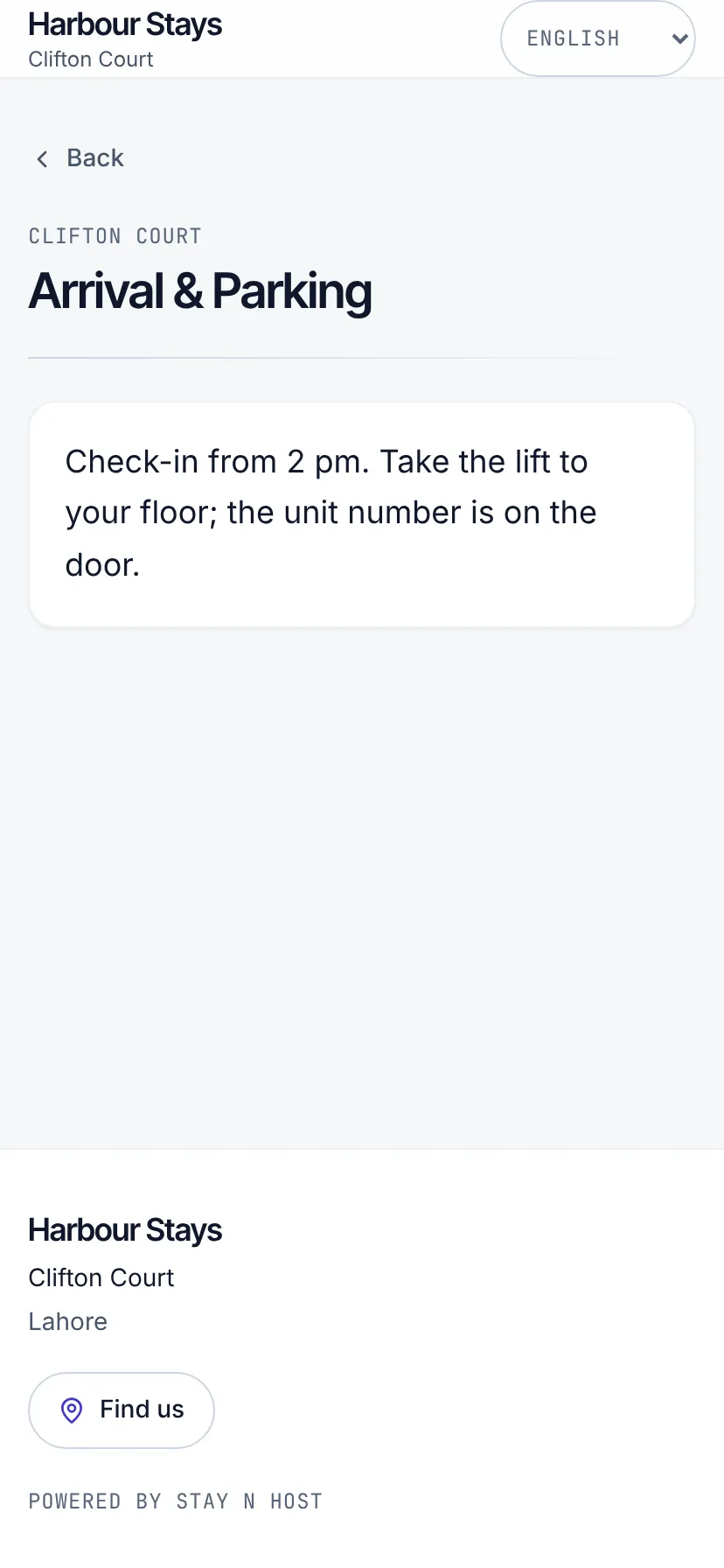
The turning drivers miss, which lift to take, where the ramp is, and what a 2am arrival needs to do. Written once per property.
Info from a-z
Section titled “Info from a-z”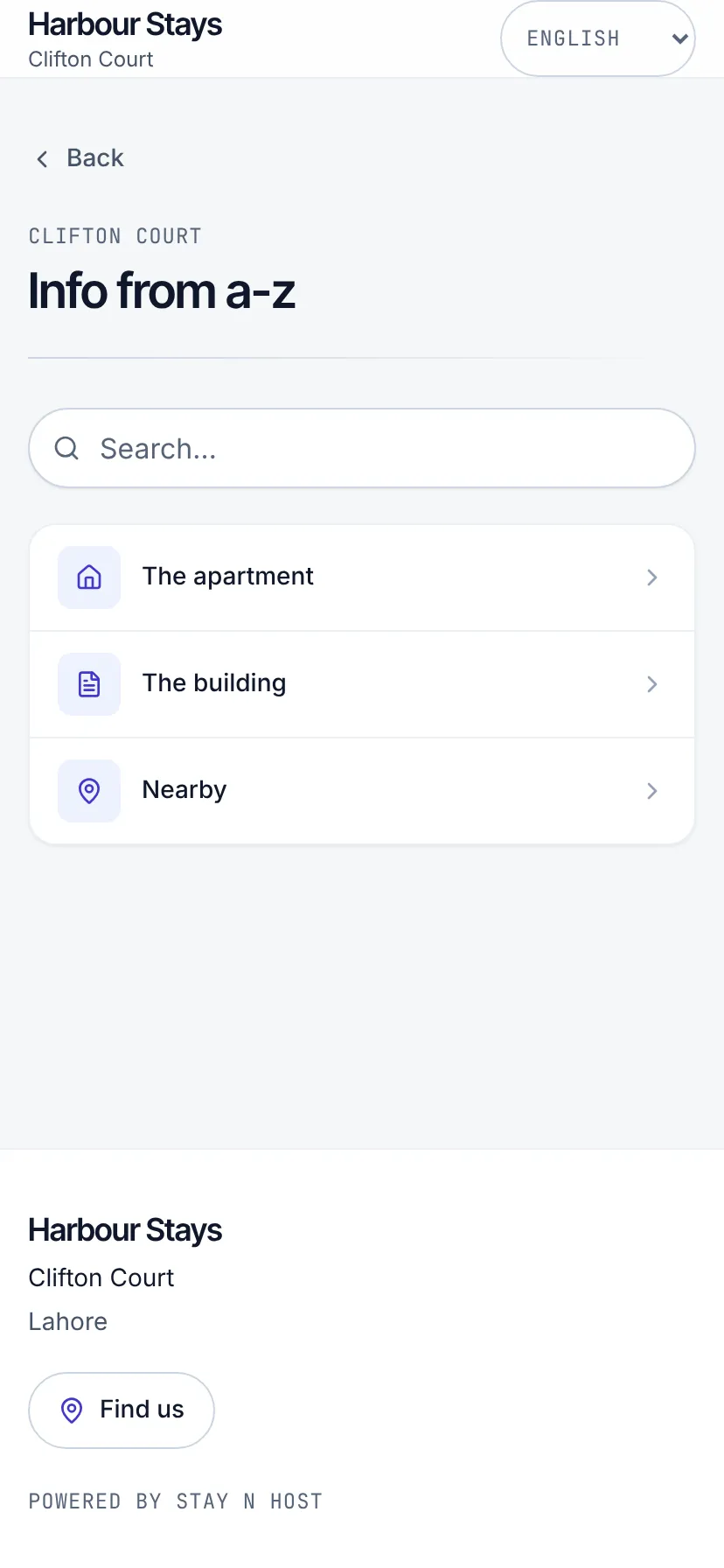
A two-level, searchable tree. Categories hold articles; the search runs in the browser.
Self check-in
Section titled “Self check-in”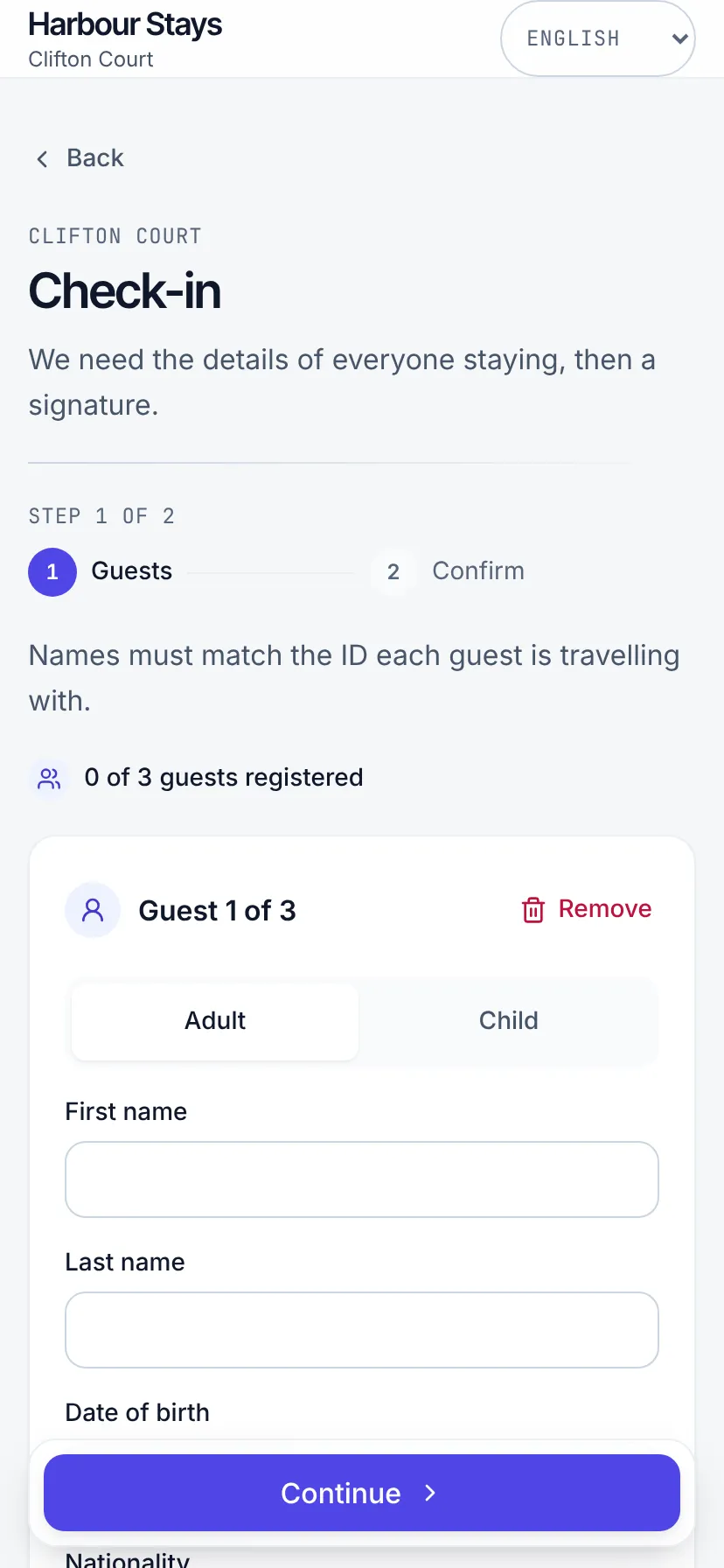
The guest fills in their details, uploads their ID and signs, before they arrive. Their upload lands on that guest’s verification for someone on your team to approve, which is half of what the door code waits on.
Messages
Section titled “Messages”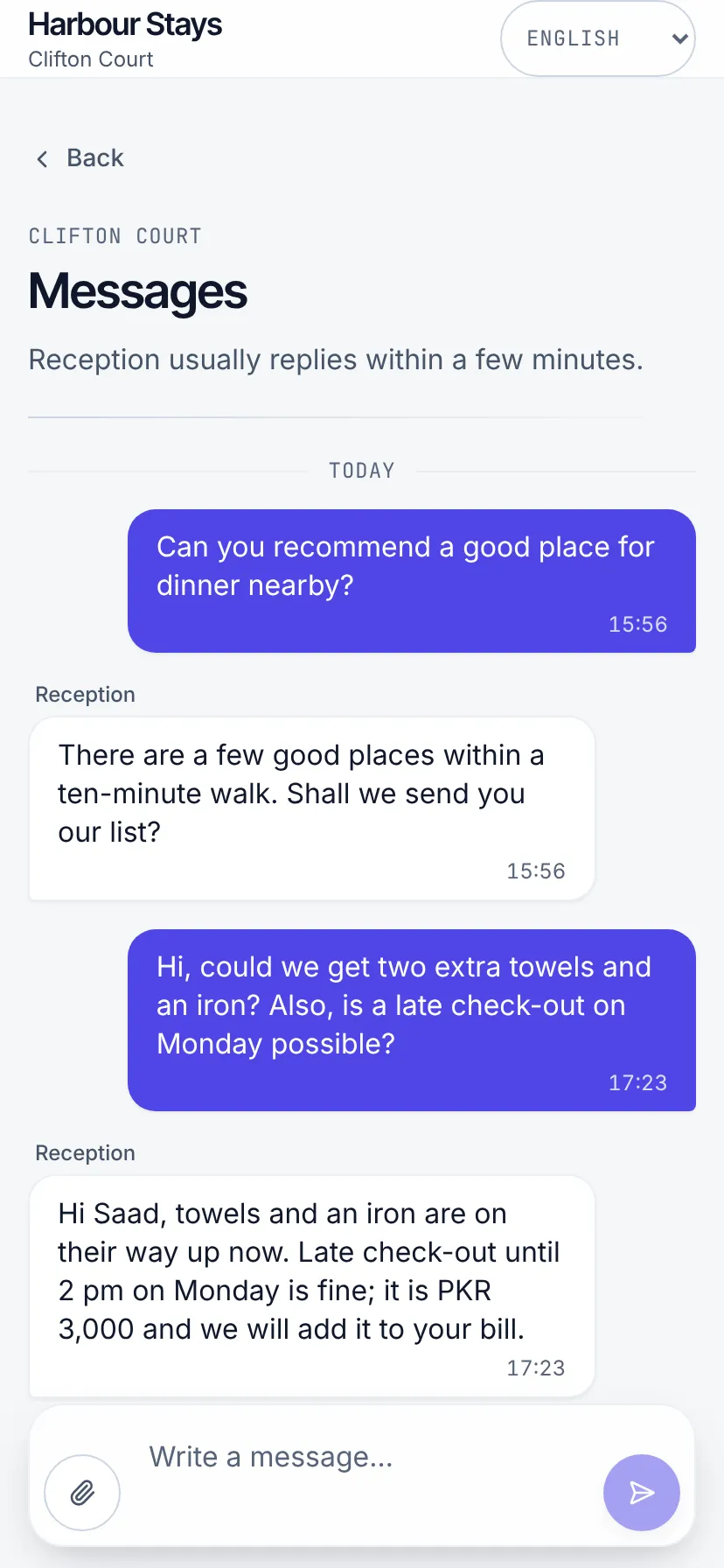
A message here lands in the same shared inbox as WhatsApp, so your team works one queue.
Your own pages
Section titled “Your own pages”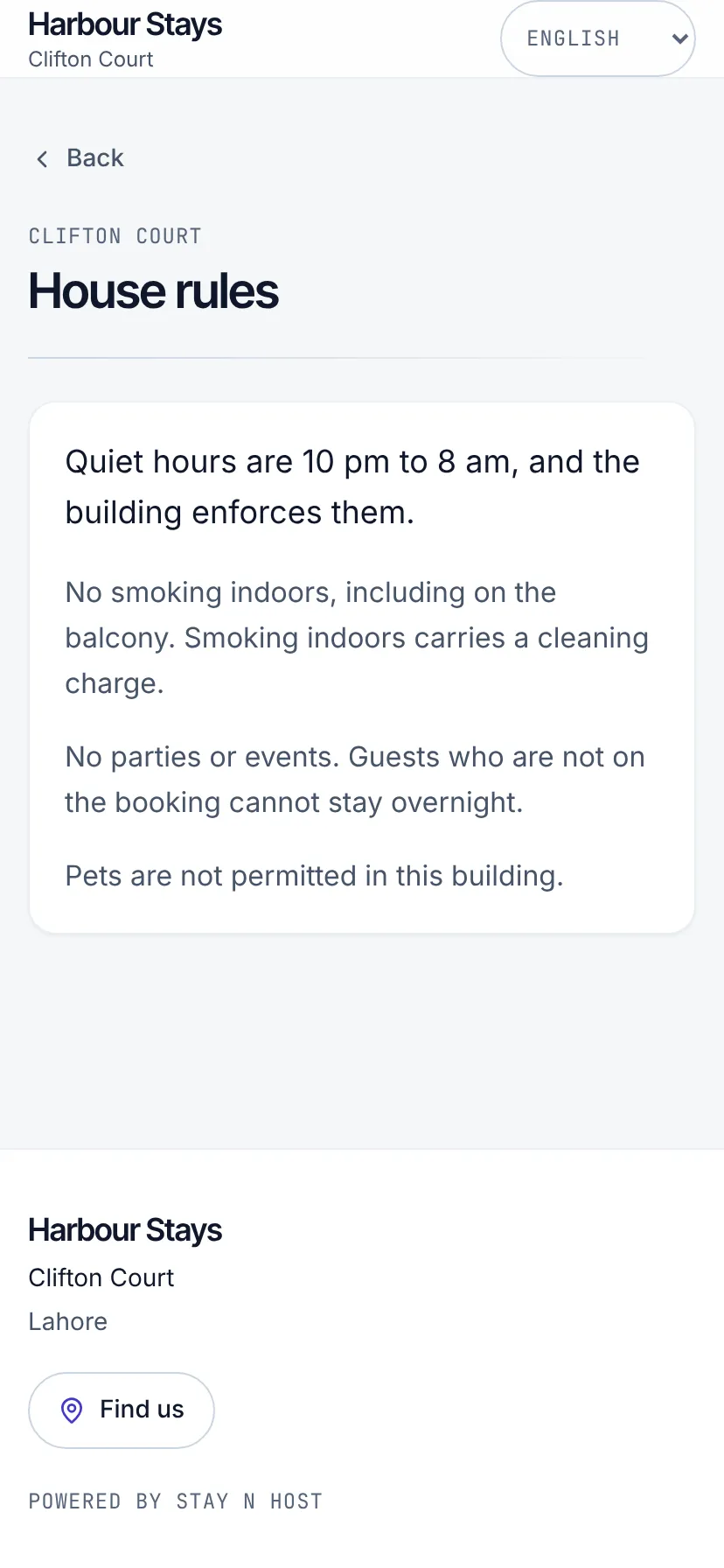
Anything else you publish gets its own tile and its own page. House rules and checking-out instructions are the two most operators write first.