
Manage bank accounts
A bank account here is what a guest is told to pay into. It lives in Finance -> Treasury, beside the money store it settles into, so a typo’d IBAN is corrected once - not hunted down in every property that pasted it.
Treasury carries three controls for this, at the top of the page:
| Control | What it does |
|---|---|
| Add account | Creates a money store and, optionally, its settlement details for guests. |
| Manage accounts | Opens Manage bank accounts: correct or archive the settlement details behind each store. |
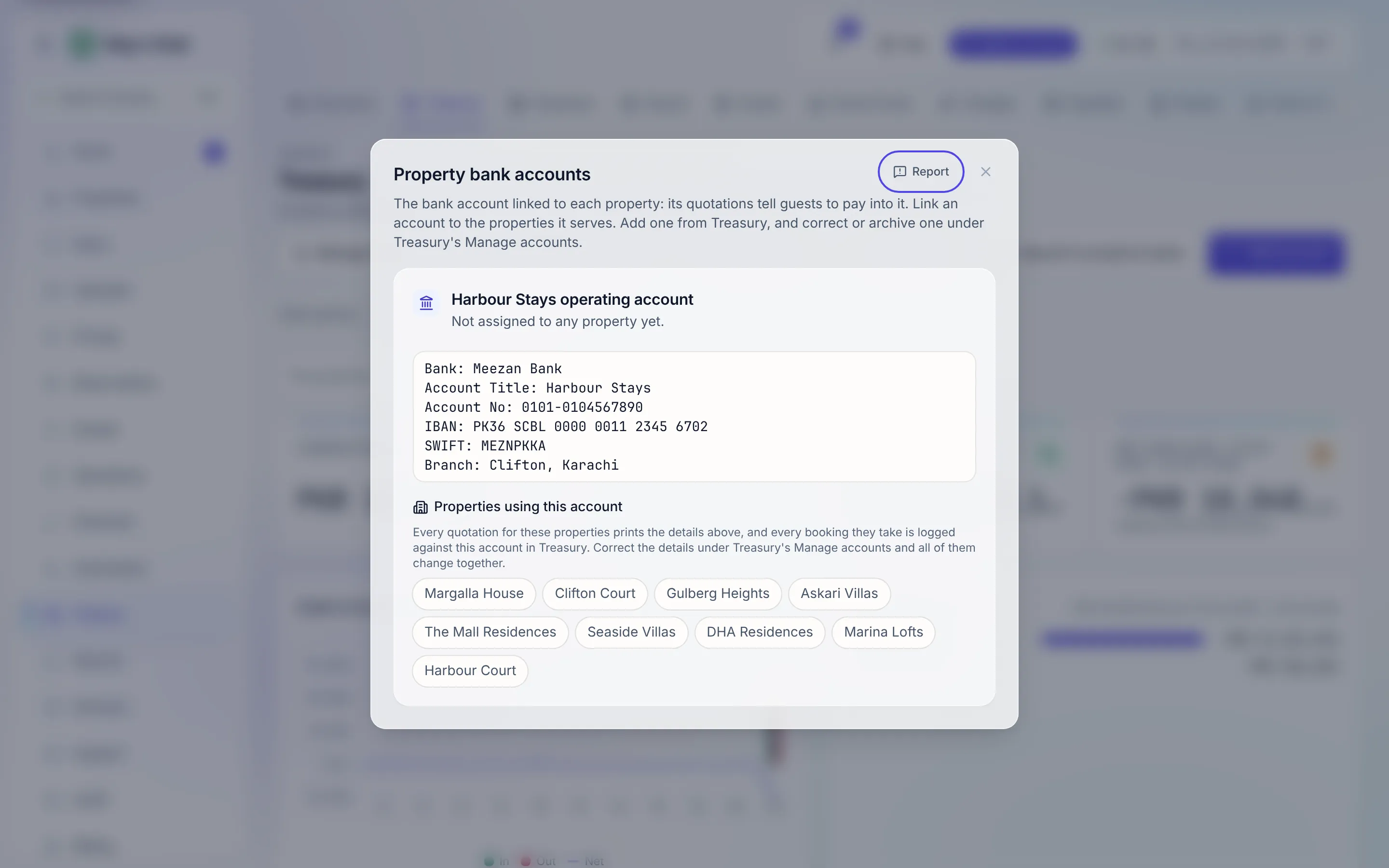
| Property bank accounts | Links each account to the properties whose quotations print it. |
The old /bank-accounts address opens Treasury with the Property bank accounts
dialog already open.
Add an account
Section titled “Add an account”-
On Treasury, click Add account. Give the store a name, a type and a currency. A bank account is also a money store, so the two are set up together.
-
Click Add settlement details for guests to open the optional section. Every field is its own input - Bank, Account title, Account number, IBAN, SWIFT / BIC (optional), Branch (optional), Anything else (optional) - so “which line is the IBAN” is never a guess. The server composes the printed block; you never format anything.
-
Get the IBAN right. It’s required for settlement details, grouped as you type, and checksum-validated before it will save - it’s the number a guest transcribes into their bank, so the app refuses an invalid one.
-
Save. Optional fields left blank simply don’t print; a wallet account with no SWIFT is a perfectly valid account.
An account created without settlement details can have them added later.
Correct the details
Section titled “Correct the details”Click Manage accounts, then Edit details on the account. The dialog warns you before you save: “Every quotation for the properties assigned to it prints these details, so a correction here reaches all of them.” Correcting the details never touches the money store, its balance or its history.
Assign properties
Section titled “Assign properties”Click Property bank accounts. Each account card lists your properties as toggle chips. Switch a property on and every quotation for it prints this account’s details, and every booking it takes is logged against this account in Treasury. This is how a portfolio settles cleanly: different owners’ units can point at different accounts, and reassigning is one click. A property with no account assigned falls back to the workspace details in White Label.
Archive an account
Section titled “Archive an account”In Manage accounts, Archive retires settlement details you no longer use. Un-assign every property from it under Property bank accounts first - the app refuses to archive an account something still prints. The money store and its history stay exactly as they are.
What’s next
Section titled “What’s next”- Request a payment from a guest - where these details reach the guest
- Hold money in more than one currency
- Read the treasury - the treasury side of the same accounts