
Your first booking
Every booking begins as a conversation. This chapter follows one inquiry the whole way: a guest messages you, you quote, they pay, you verify, the unit confirms. Once you’ve done it twice it takes about two minutes of actual work.
-
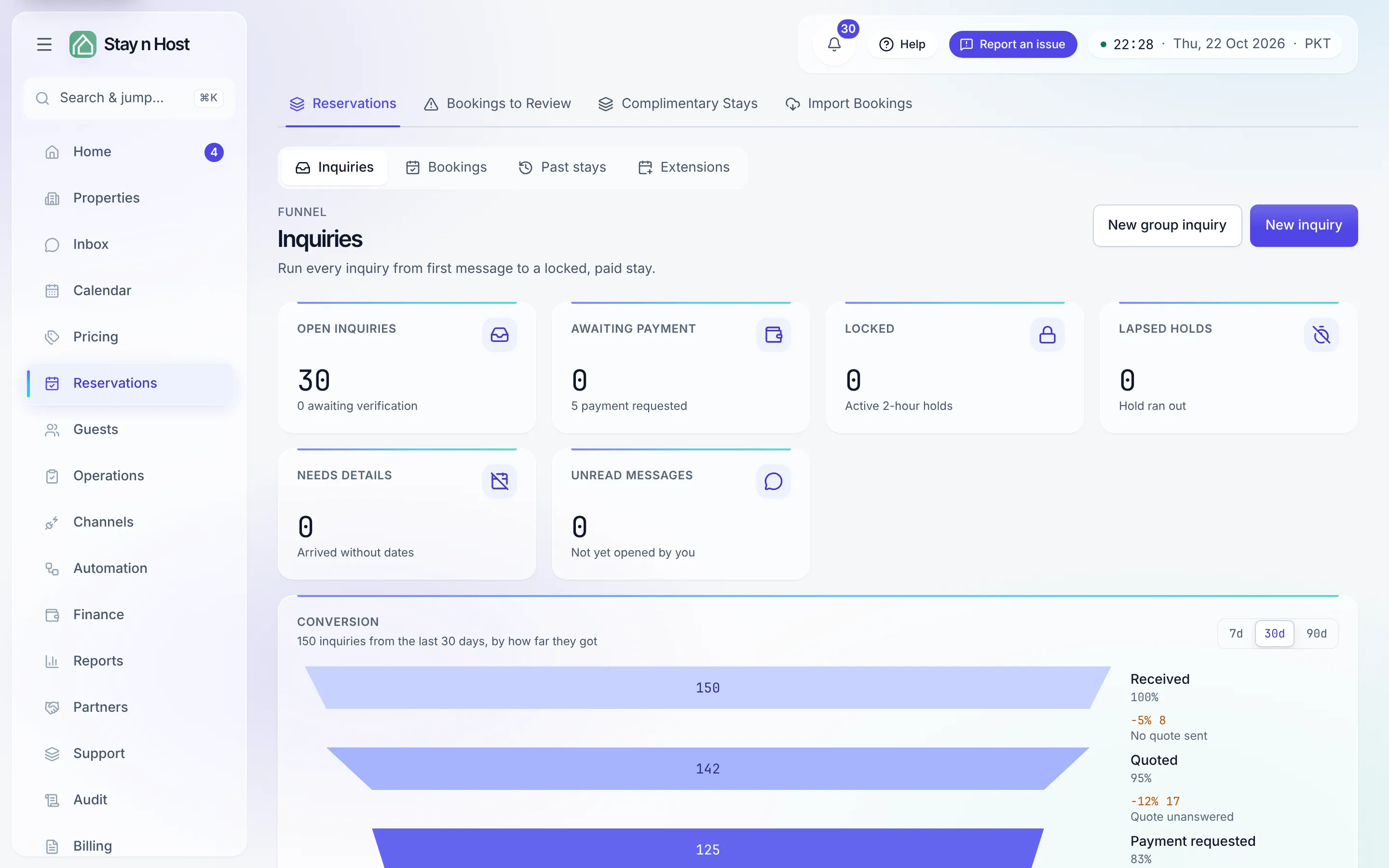
An inquiry opens. A first message on WhatsApp or Airbnb opens one automatically, with the chat attached; a phone call or walk-in you enter yourself from Reservations (the Inquiries tab) with New inquiry. Either way you land on the reservation’s record: guest details, dates, the conversation, and the quote builder.
-
Build the quote. Pick the unit and dates; nightly price, fees, and taxes fill in from your setup. Adjust anything - the quote shows exactly what the guest will see.
-
Send the quote link. One click shares a secure link in the chat. The guest opens a beautiful page - your letterhead, the itemized quote, your payment details - with no app and no login. (There’s a PDF version behind the same link.)
-
The guest pays and uploads proof. On the quote page they upload a screenshot of their transfer. The guest never states an amount - you do: the proof lands on the inquiry’s Payment screenshots tab and on the Payments board, tagged against what’s actually due.
-
The unit goes on hold. Recording the payment proof holds the unit - two hours by default (the “Listing hold” setting) - so two guests can’t chase the same nights. An expired hold releases itself; nothing to clean up.
-
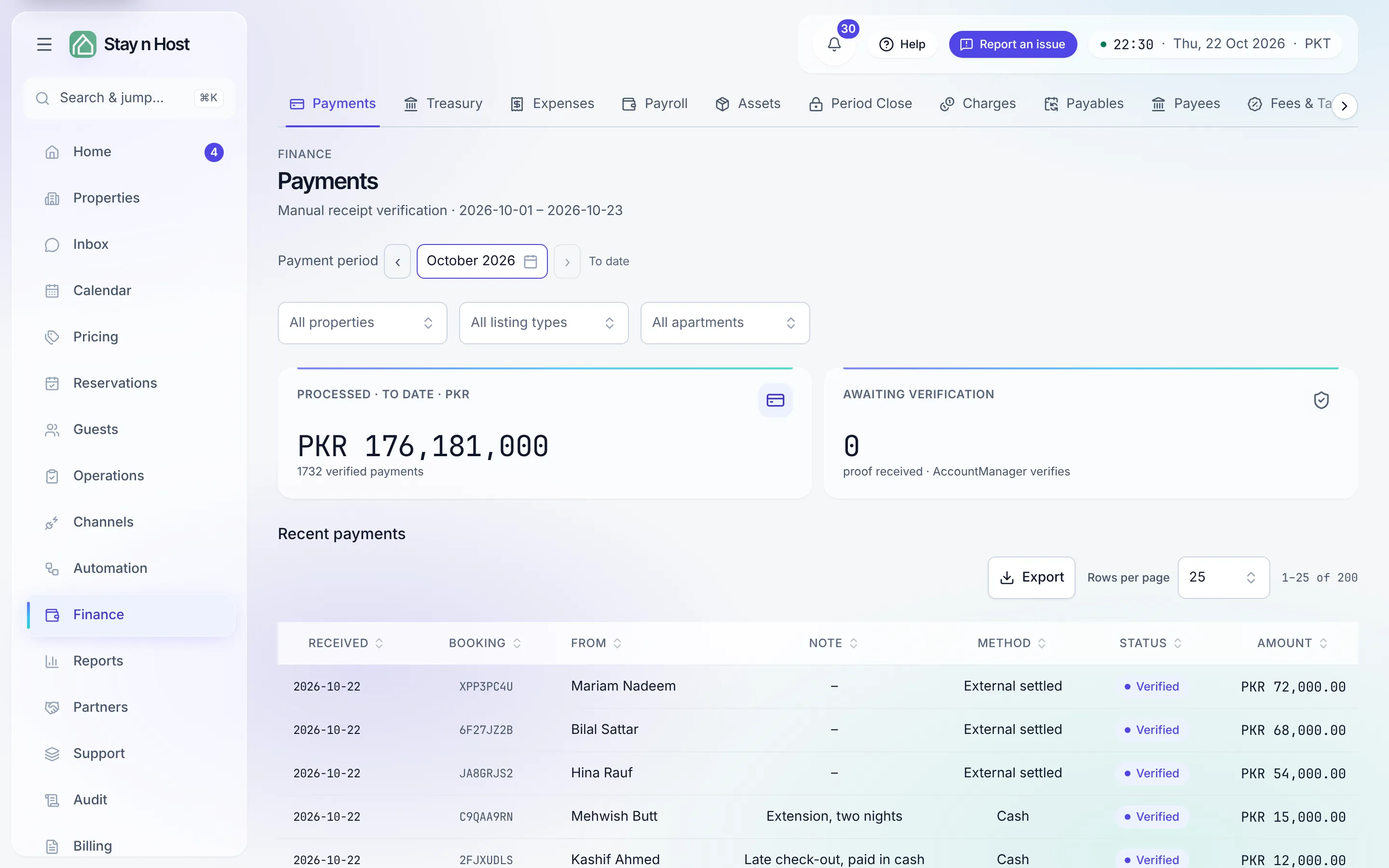
Verify the payment. On Finance → Payments, open the proof, compare it with the amount due, and verify (or reject, with a reason the guest can act on). Verification is what posts real money into your books - it’s a human decision, always.
-
Confirm the unit. Back on the inquiry, Confirm the unit turns the inquiry into a booking. It appears on the Bookings tab of Reservations, on the Calendar, and in Today’s upcoming check-ins. The guest gets a confirmation automatically if you’ve enabled that agent rule.
After confirmation, before arrival
Section titled “After confirmation, before arrival”Three things typically happen between now and check-in, each with its own guide:
- Guest screening - request ID through a secure upload link. → Bookings & stays
- Door codes - released by the dual gate (payment ✓ and ID ✓), by hand or by the pre-check-in agent. → Concepts: the lock-code gate
- Check-in - one tap on Today when they arrive.
What’s next
Section titled “What’s next”You can run this alone - but you shouldn’t have to: Invite your team.