
Connect Airbnb
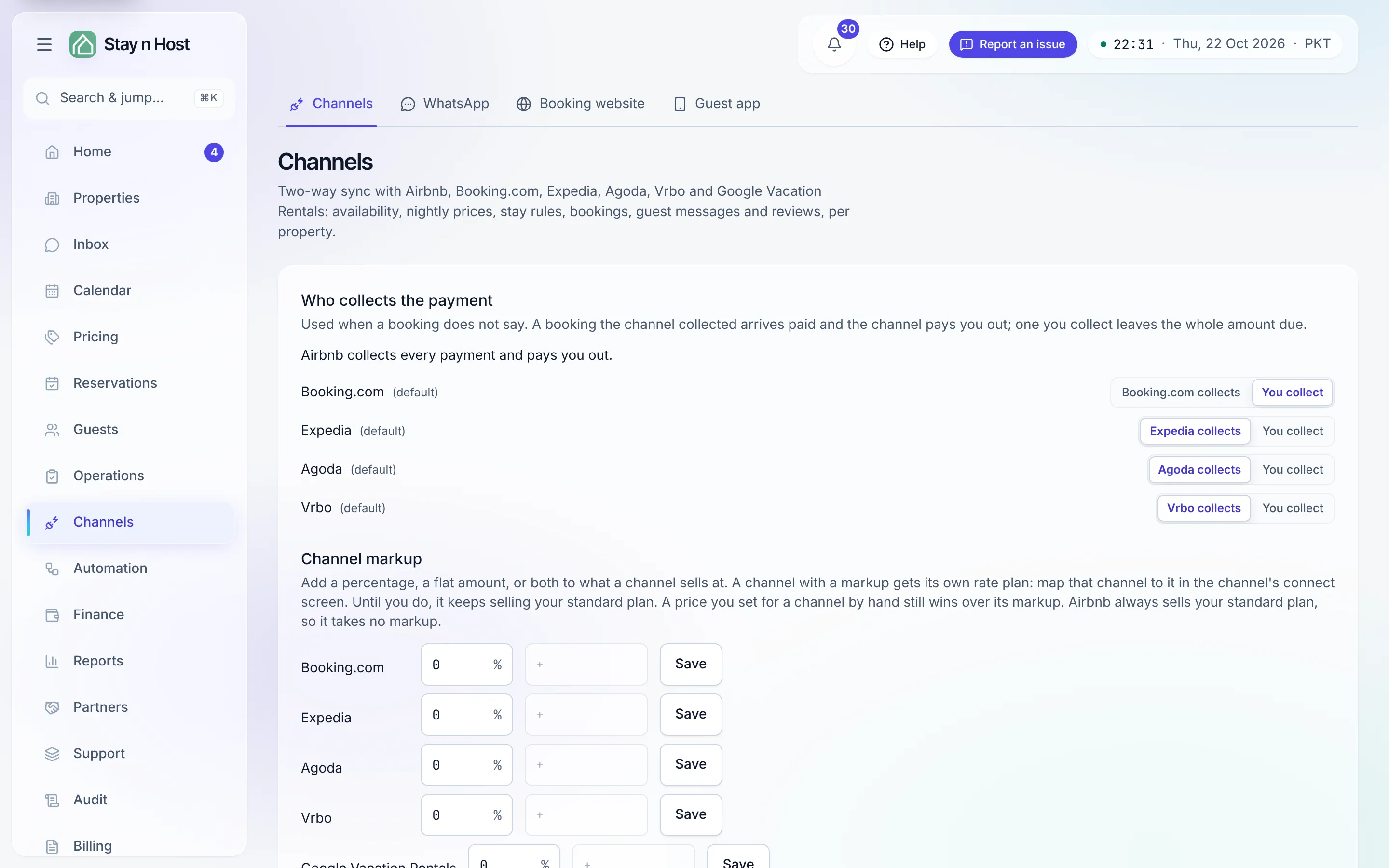
The Channels page (Channels → Channels, /channels)
keeps Stay n Host and Airbnb in step both ways: your availability and prices push out;
bookings, guest messages, and reviews flow in. A booking made anywhere blocks the unit
everywhere. The same page connects Booking.com, Expedia, Agoda and Vrbo, and Google
Vacation Rentals - see Connect Booking.com, Expedia, Agoda and Vrbo.
-
Open Channels → Channels and start the connection. You’ll authorize Stay n Host against your Airbnb account. (Connecting a channel is deliberately restricted - if you don’t see the option, ask your admin for the channel-setup role.)
-
Enable the properties you want synced. Sync is opt-in per property, so you can pilot one building before rolling out.
-
Map your units. Match each Airbnb listing to its Stay n Host listing. This mapping is what makes a booking on either side block the right unit on both.
-
Push content and pricing. Photos, descriptions, house rules, nightly prices, and availability go out from Stay n Host - from now on, edit here, not on Airbnb.
-
Watch the live status. Each property shows its sync state, and failed pushes retry themselves.
Bookings to Review - the human gate
Section titled “Bookings to Review - the human gate”Not every channel event applies itself. Anything that changes money, conflicts with an existing booking, or cancels a stay is held in Bookings to Review (Reservations → Bookings to Review) for a person to accept or handle. Everything routine - a clean new booking, a message - flows straight through.
What’s next
Section titled “What’s next”Guests can now reach you and book you. Time to walk one through end to end: Your first booking.