
Set up the guest app
The Guest app (Channels → Guest app) is the web app guests open on their phone during a stay - reservation details, self check-in, Wi-Fi, house information, extras, and messaging. Each property gets its own app with its own link, configured on its own tab of this screen.
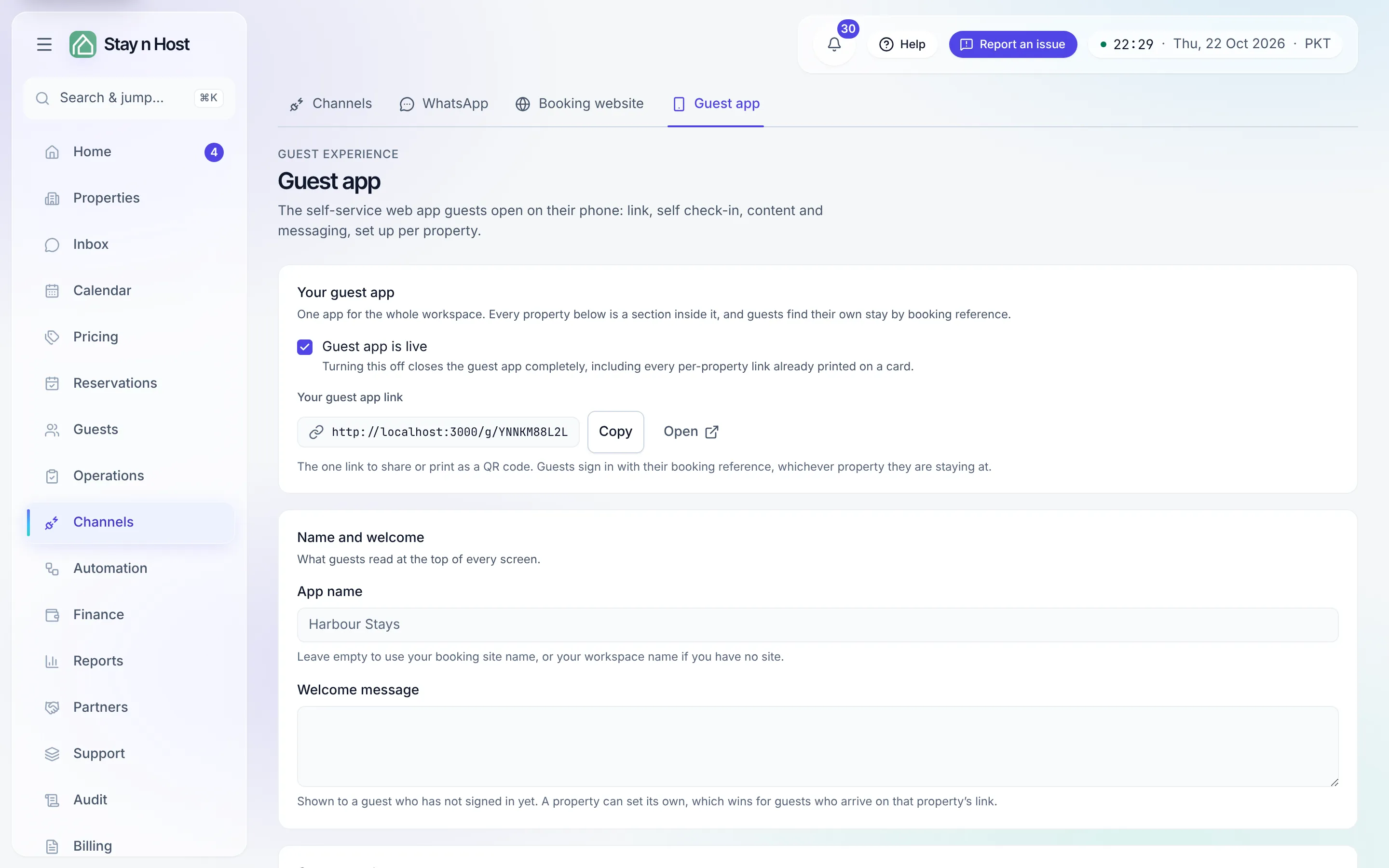
-
Click “Set up guest app” on the property’s tab. The app starts switched off - nothing goes live from this click alone.
-
Work through the sections, then hit one Save changes for all of them:
- App icon - what guests see on their home screen if they install the app.
- General - the on/off switch, the guest link, a welcome message, social links.
- Check-in - enable self check-in and set the terms guests must accept; every submission lands in your Guest Screening queue for approval.
- Wi-Fi - network name and password, shown only to a logged-in guest.
- Door opening - how a guest gets in: key box location, buzzer, staircase.
- Arrival - parking, transport, directions.
- Messaging - guests write from the app; your team answers from the Inbox.
-
Add content pages in the Pages section: Home tiles (cards on the app’s home screen) and a two-level Info A–Z (categories with articles, written in Markdown). Drafts stay invisible to guests.
-
Turn on “Guest app enabled” and share the link - copy it into your check-in message, or print it as a QR code in the unit.
What comes with every app
Section titled “What comes with every app”Three things need no setup on this screen:
- Eleven languages. Guests pick from English, Arabic, Urdu, Chinese (Simplified), French, German, Spanish, Italian, Turkish, Russian and Portuguese, from a Language picker in the app.
- Extras and invoices. From My reservation, a guest can ask for the optional extras in your fees and download their invoices. A request charges nothing until your team confirms it - see What the guest sees in the app.
- A way back to your booking site. While your booking website is published, the app’s menu ends with Book your next stay, linking to it.
How a guest signs in
Section titled “How a guest signs in”The app itself is open at its link; the guest’s reservation is not. To see their stay (and check in), the guest enters their reservation number and confirms it is theirs with one more detail - the full name on the booking, the check-in or check-out date, or the phone number they booked with.
Watching check-ins
Section titled “Watching check-ins”The Check-ins section on each property tab lists every self check-in submission - who, when, which booking, and each guest’s documents and signature in the detail view. Approving guests stays in Guest Screening; this is the property-side record.
What’s next
Section titled “What’s next”- What the guest sees in the app
- the walkthrough, at phone size.
- Direct bookings vs Airbnb bookings
- where the guest app fits in the commission-free path.