
Extend a stay
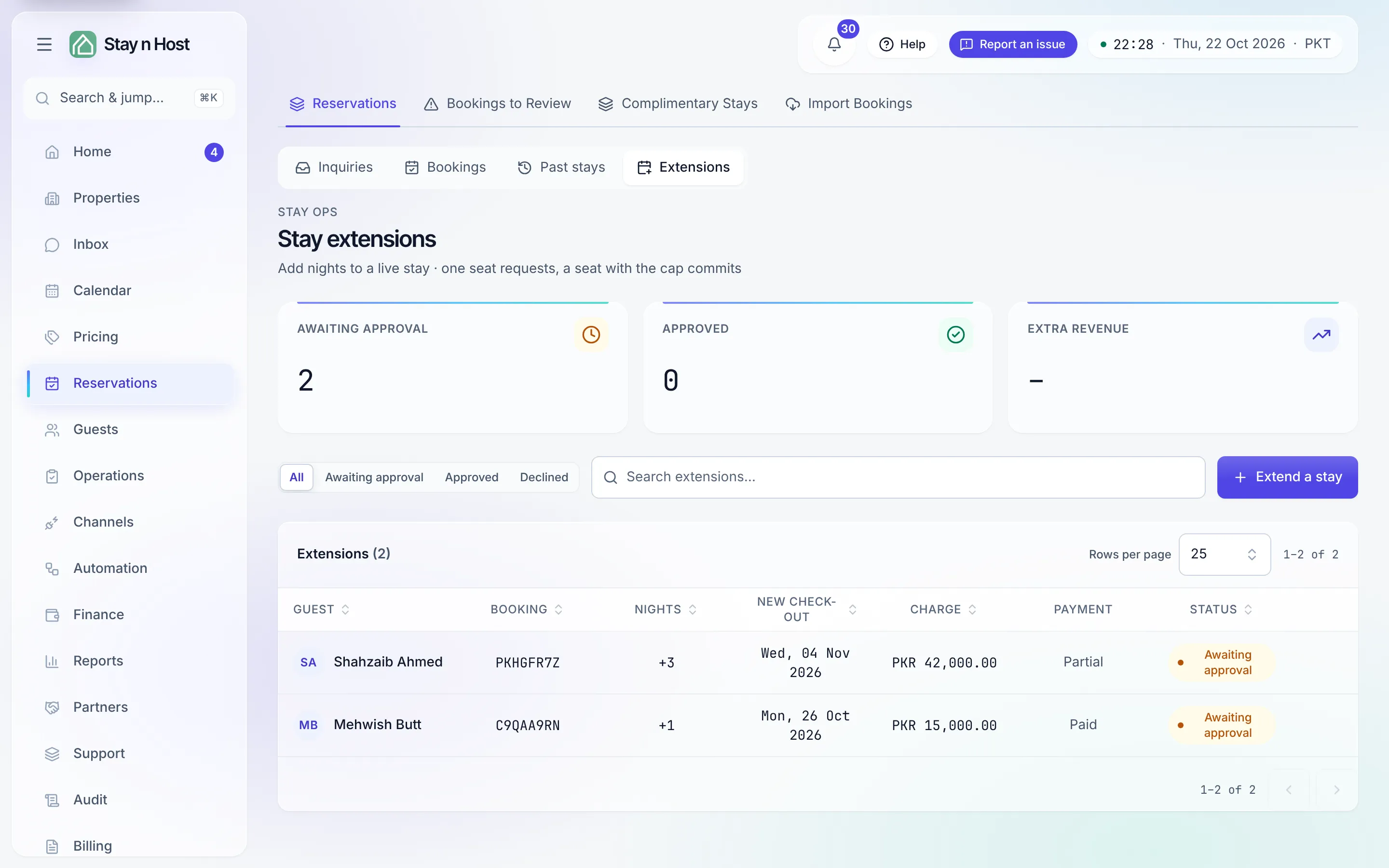
A guest who wants to stay longer is extra revenue with an availability question attached. The Extensions stage of Reservations owns the whole flow: the request, the price, the availability check, and the approval that actually commits the nights.
-
Open the wizard. On Reservations -> Extensions, press Extend a stay - or press Extend stay in the booking record’s header, which opens the same wizard with the booking pre-selected. (The button disappears once the guest has departed.)
-
Pick the new check-out. The wizard shows the current check-out and, as you pick a later date, the nights added - and it checks the unit live: “This unit is free for those nights” or “This unit is already booked for those nights, so the stay cannot be extended in place.”
-
Set the money. Enter the Extra charge and how it stands: Paid in full, Partially paid, or Unpaid (collect later).
-
Press “Request extension”. The request lands in the queue as Awaiting approval. Nothing changes on the stay yet.
-
An approver decides. Someone with approval rights opens the extension and presses Approve - the dialog spells it out: “This adds the nights to the stay, moves the check-out out, and, if paid, posts the charge to the ledger.” - or Decline, which closes the request with no nights added and no money moved. Since the single-approver decision, that can be the person who requested it; both acts are recorded either way.
The stage tracks everything with KPIs - Awaiting approval, Approved, and Extra revenue - and every decision stamps both actors on the extension’s own page (the one an extension notification opens) and the booking’s History tab.