
Set up listing types
A listing type is a category of unit - Studio, One-bed Deluxe - and it is the level where you describe a kind of unit once instead of per apartment: capacity, base price, amenities, and guest-facing content all live here and flow down to every unit of the type.
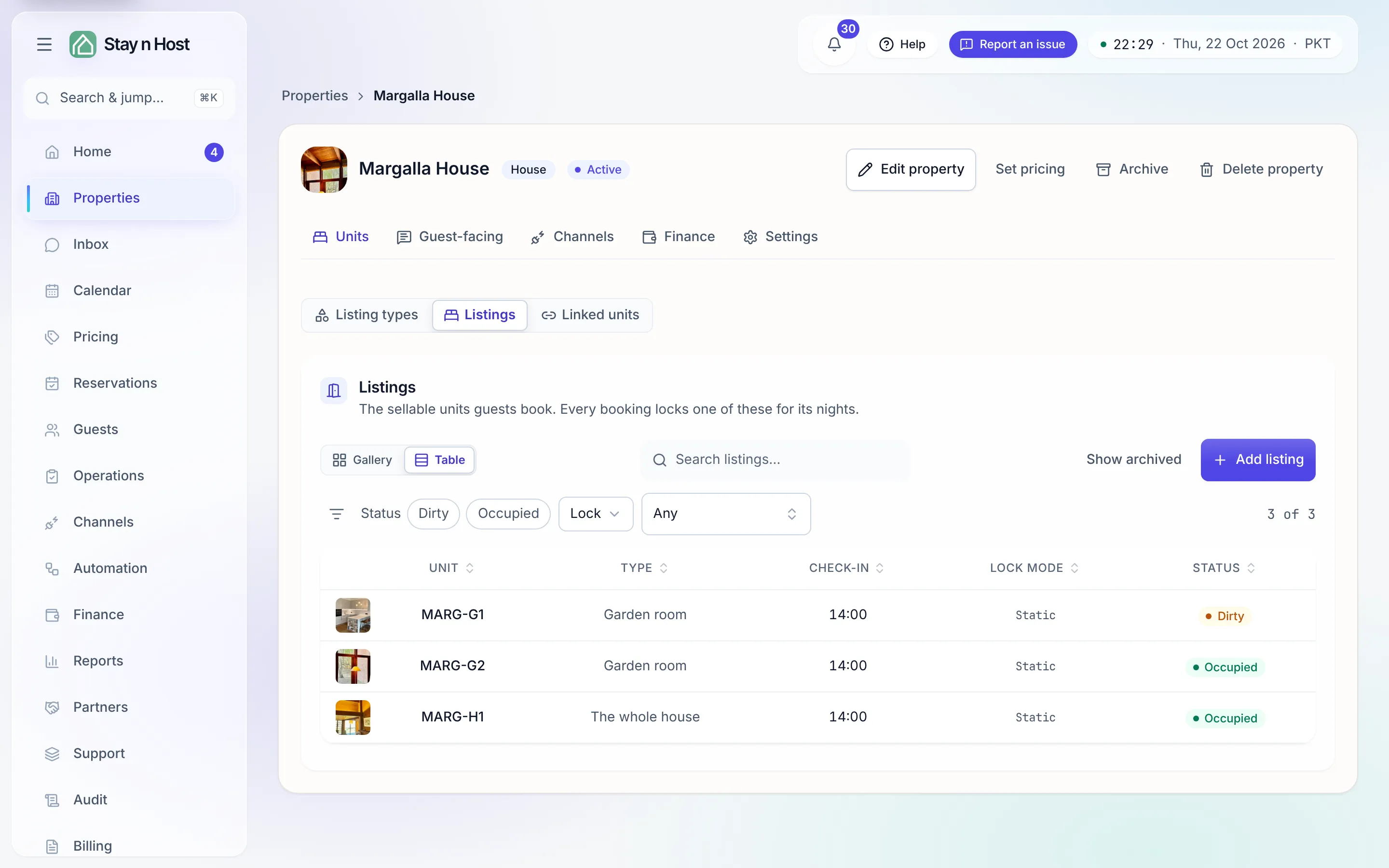
Create a type
Section titled “Create a type”-
Open the property. The Listing types tab is the first tab - and the one the page lands on, because a listing cannot be created until a type exists.
-
Click New type. Give it a Name (“One-bed apartment”) and a Key (a lowercase identifier like
one_bed- set once, never changed). -
Fill Capacity & stay: Adults / Children / Infants, the Rate occupancy, and the default Min stay / Max stay in nights (leave max empty for no cap). These sync to your booking channels.
-
Add Attributes - free label/value rows that describe the type. Type and View are pre-seeded suggestions; add your own. Click Save type.
What a type row can do
Section titled “What a type row can do”Each active type carries four more buttons:
- Set pricing - the type’s base nightly rate. The most specific level wins: unit override → listing type → property default.
- Amenities - the default set for every unit of this type (how inheritance works).
- Content - description and rules every unit of this type says, unless the unit says otherwise.
- Edit / Archive - archiving is refused while the type still has units.
When to split a type
Section titled “When to split a type”Split one type into two when the difference changes what a guest pays or books: different capacity, a different base rate, a sea view worth charging for. Keep one type when the units are interchangeable - bookings of a type can be assigned to any free unit of it, so needless splits just fragment your availability. A single-home property is simply one type with one listing.
What’s next
Section titled “What’s next”With a type in place, add the sellable units: Add a listing.