
Quote the stay
A quote is one total for the whole stay. By default the guest pays 100% in advance - no partial payments on a new booking - though you can split the total between an advance and an on-property portion if that is how you sell.
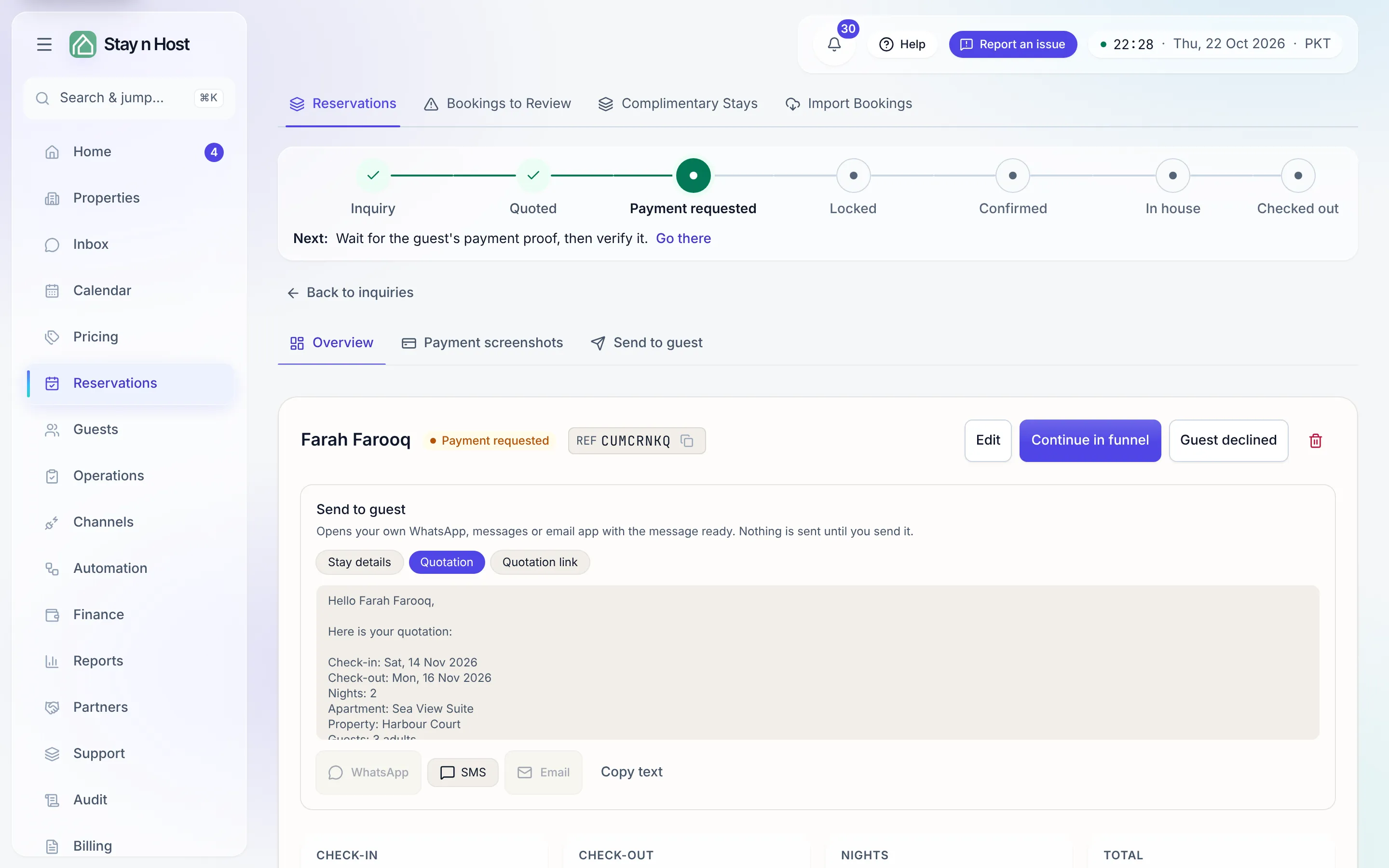
-
Open the inquiry (or press Continue on its funnel row) and go to the Quote step - “Quote the stay.”
-
Enter the Total for the stay - whole numbers, in your workspace currency. If you have set base rates, an empty amount is pre-filled with rate × nights, resolved at the most specific level you priced. It is a suggestion only: you always confirm the figure.
-
Think in nightly rates? Type the per-night rate instead and let the helper calculate the total - the arithmetic is shown so you can check it.
-
Optionally open Payment breakdown to split the total: Advance (due now) plus On property portion, which must add up to the total exactly. Left closed, the full amount is due now.
-
Press Save quote. The inquiry moves to Quoted, and the detail page’s Quote section now shows the whole money picture.
After the quote, the funnel continues with Request the advance (mark the full advance as requested and send the account details on your channel) and then the payment proof - the wizard walks you through both. Changed your mind about the price on either of those steps? Change the quote takes you back to this step; the inquiry is re-quoted, never asked for payment twice.