
Run an owner payout
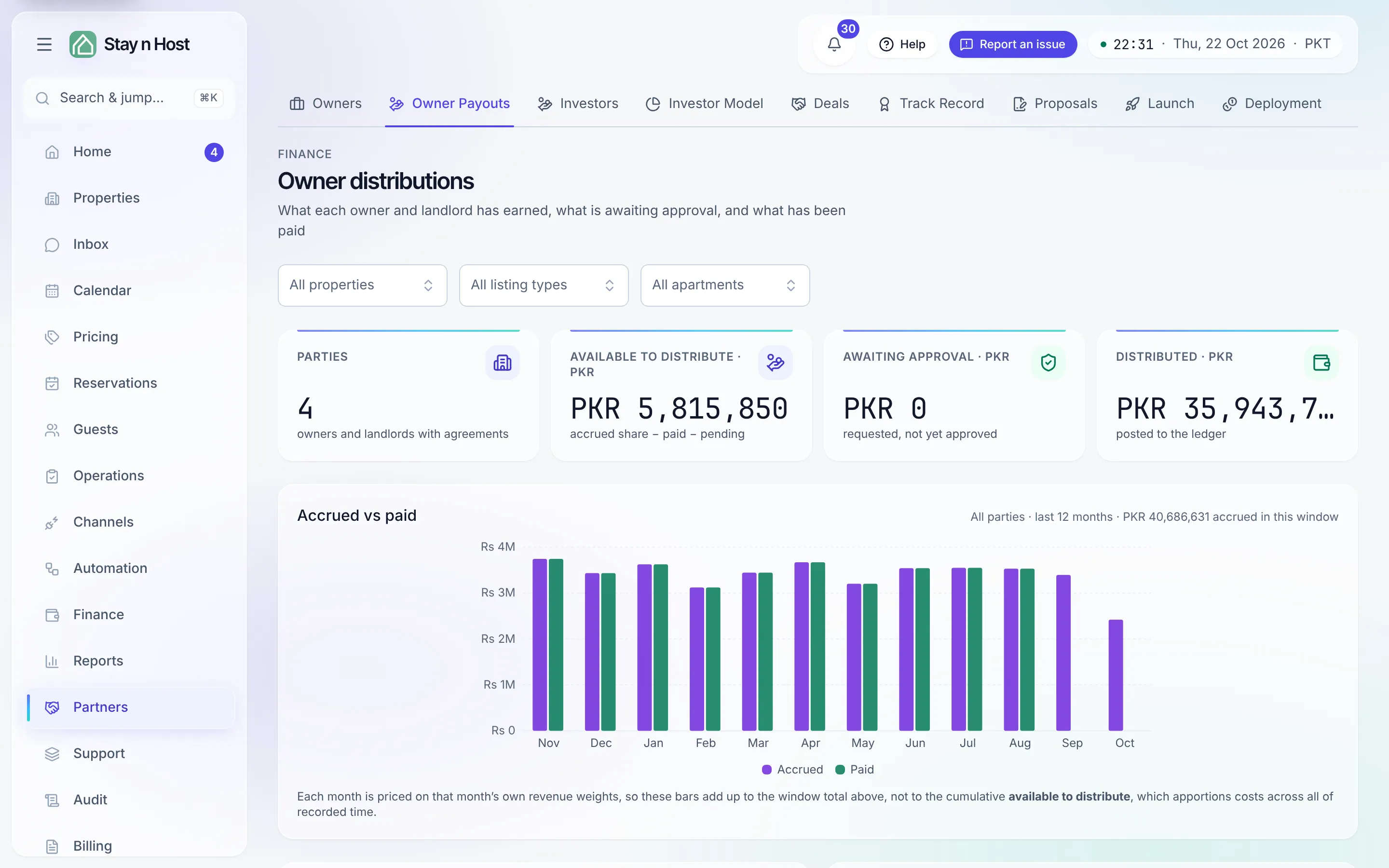
Owner distributions (Partners -> Owner Payouts) shows what each owner and landlord has earned, what’s awaiting approval, and what’s been paid. A payout is requested, then approved: requesting parks the amount - nothing moves until it’s approved - and who requested and who approved is recorded on every row.
Narrow it to a property or an apartment
Section titled “Narrow it to a property or an apartment”The same three filters as the P&L sit at the top: All properties, All listing types and All apartments. Pick one and the page lists only the owners and landlords who hold that part of your estate.
The figures do not split: each owner’s balance stays their whole balance across every property they hold, because a distribution is paid to the owner, not against a building. The page says so whenever a filter is on.
What’s available to pay
Section titled “What’s available to pay”Each party’s Available now is the ceiling on a new request: accrued share − already paid − pending requests.
- A managed owner’s share is their revenue net of the costs attributed to their units and of your management fee.
- A landlord’s is the profit share only - their rent is a fixed obligation on the payment calendar, not a distribution, so it never appears here.
-
Pick the owner under Owners & landlords and click Request payout. Their Pays out to box shows the bank details on file (edit them on Payees). Pick the Paying account, the amount (it must fit what’s available), the Settles for month - the month this distribution belongs to, however late it’s actually paid - and optionally a bank reference.
-
The request parks as “Pending approval”. Nothing has posted; the amount is reserved against the party’s available balance so it can’t be requested twice.
-
Approve or Reject. Approving is the payment: it posts the disbursement in the ledger (debit owner payable, credit the paying account) and the row flips to Paid, with View in Treasury beside it. The owner sees it in their portal under the month it settles.
Where it shows up
Section titled “Where it shows up”An approved payout appears on the Treasury ledger as an outflow (clicking the row brings you back here), reduces the “Held for owners” liability, and shows in the owner’s portal under Distributions.
What’s next
Section titled “What’s next”- What the owner sees on their side: What the owner sees.
- The settled numbers behind the accrual: Owner statements.
- The month-end that freezes them: Close a month.