
Collections and destination hubs
Two kinds of landing page sit between your home page and a property. Both are real, indexed pages with their own title and description, and both carry the guest’s dates onward.
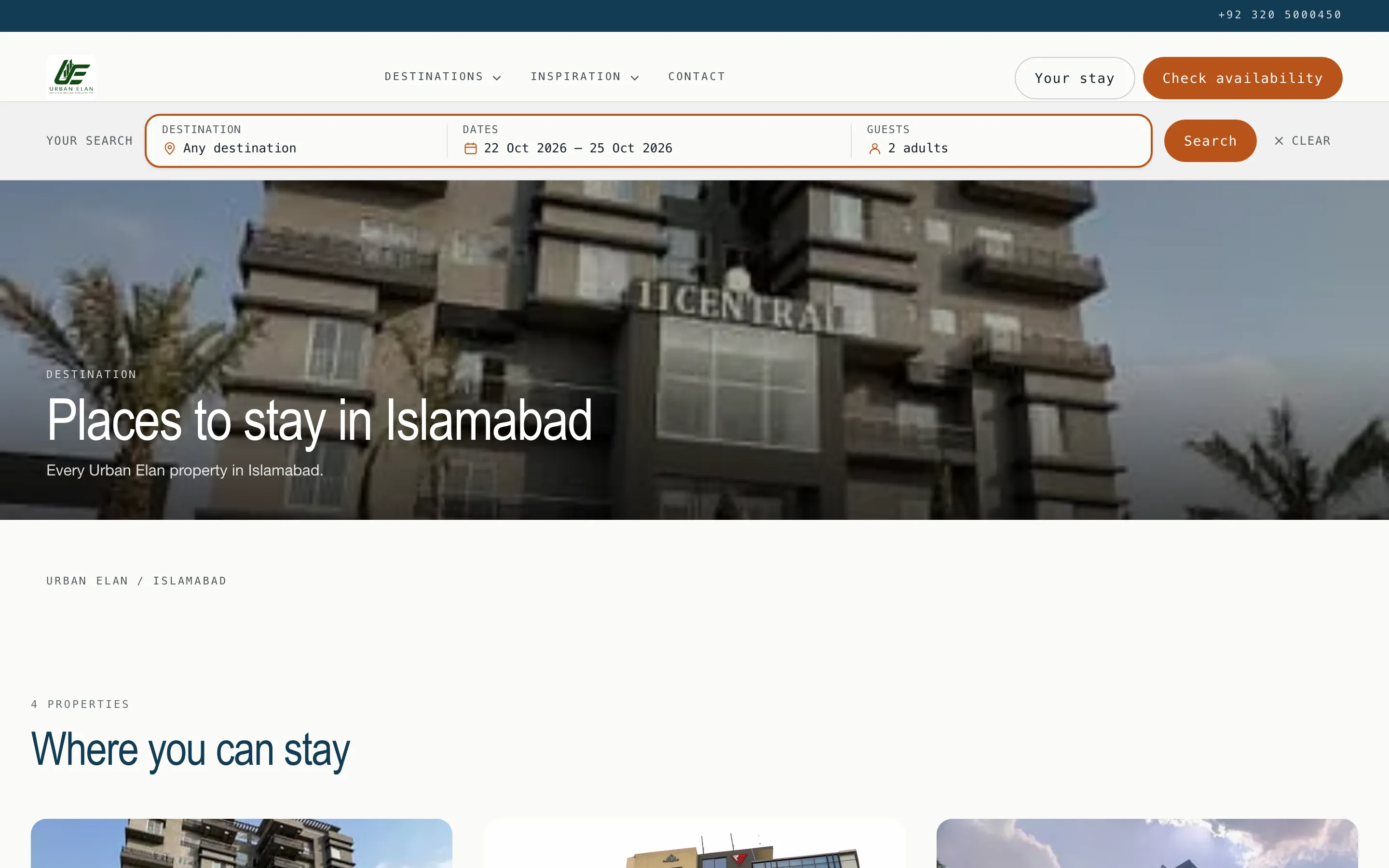
Destination hubs, which you do not create
Section titled “Destination hubs, which you do not create”Your site generates a page per city and a page per area from the addresses on your properties. Nothing to configure: fill in a property’s city and area and it appears on its hub.
Collections, which you curate
Section titled “Collections, which you curate”A collection is a saved filter with a URL and a name: “Infinity pool”, “Dog friendly”, “Room for a family”. It exists for the thing a guest wants that a search box does not ask about.
-
Open Channels → Booking website (
/site) and go to the Collections tab. -
Add a collection and give it a title. The slug is derived from the title and becomes its address,
/c/your-slug. -
Build the filter: amenities, a minimum number of bedrooms, a minimum number of guests, and optionally a city.
-
Read the match count. It comes back with every save and it is the point of the screen - see the caution below.
-
Order them. Collections appear on the home page in the order you set here.
Which to use
Section titled “Which to use”| You want… | Use |
|---|---|
| Every property in a city, kept current by itself | A destination hub. Nothing to do. |
| “Places with a pool”, spanning cities | A collection. |
| A page with your own writing on it, not a list | A custom page. |