
The five Settings tabs
Everything configurable about the workspace itself lives on one page, in five tabs: General · Operations · Payment channels · WhatsApp · Approvals. What is not here - fees, bank accounts, per-property policies - is deliberately elsewhere; the section overview has the honest map.
General
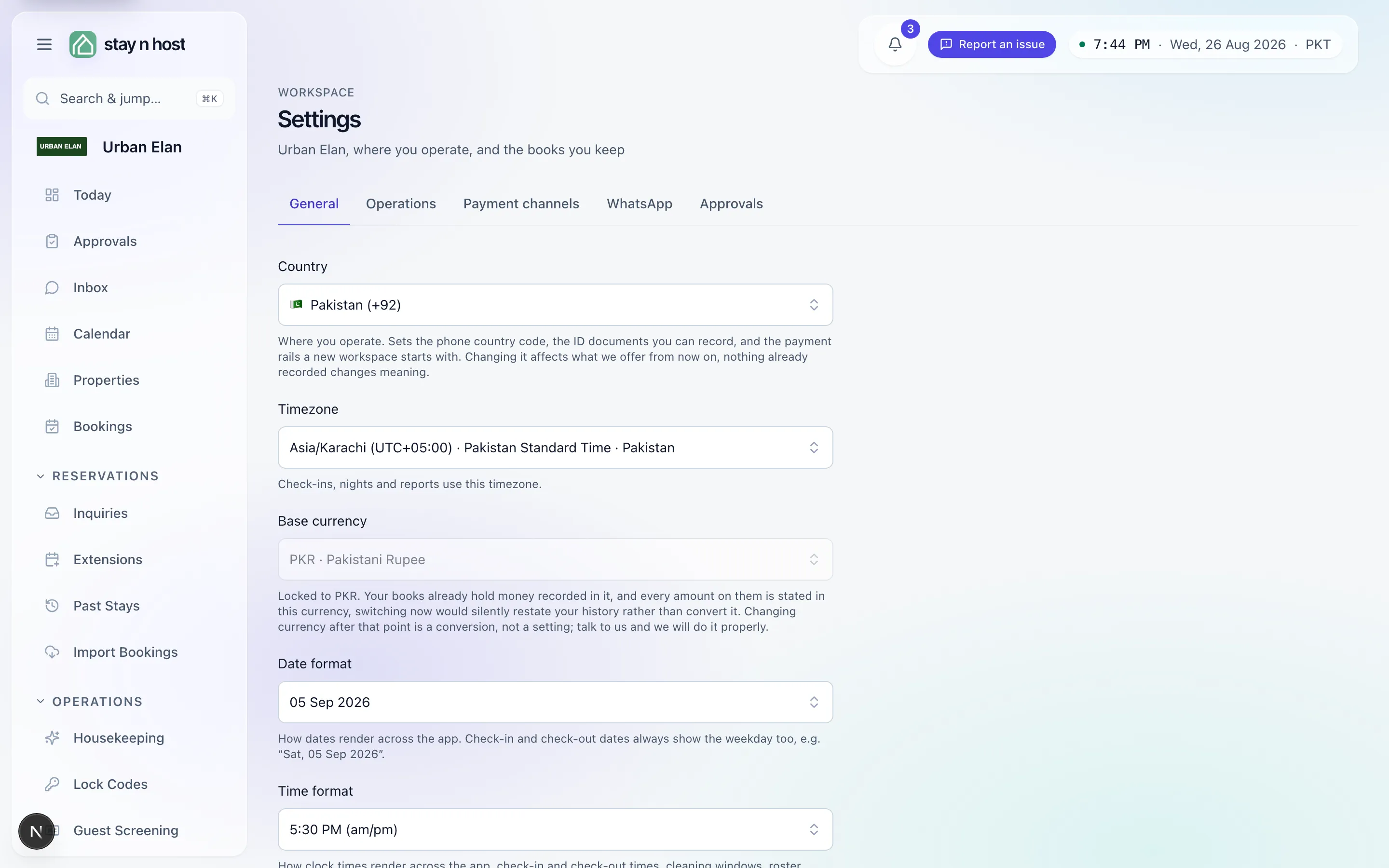
Section titled “General”Where you operate: Country (seeds phone codes, ID document types, and the starting payment rails), Timezone (check-ins, nights, and reports count in it), Base currency, and the date and time formats every screen renders with. Below the form, the workspace letterhead - your logo and brand color - feeds documents and portals.
Operations
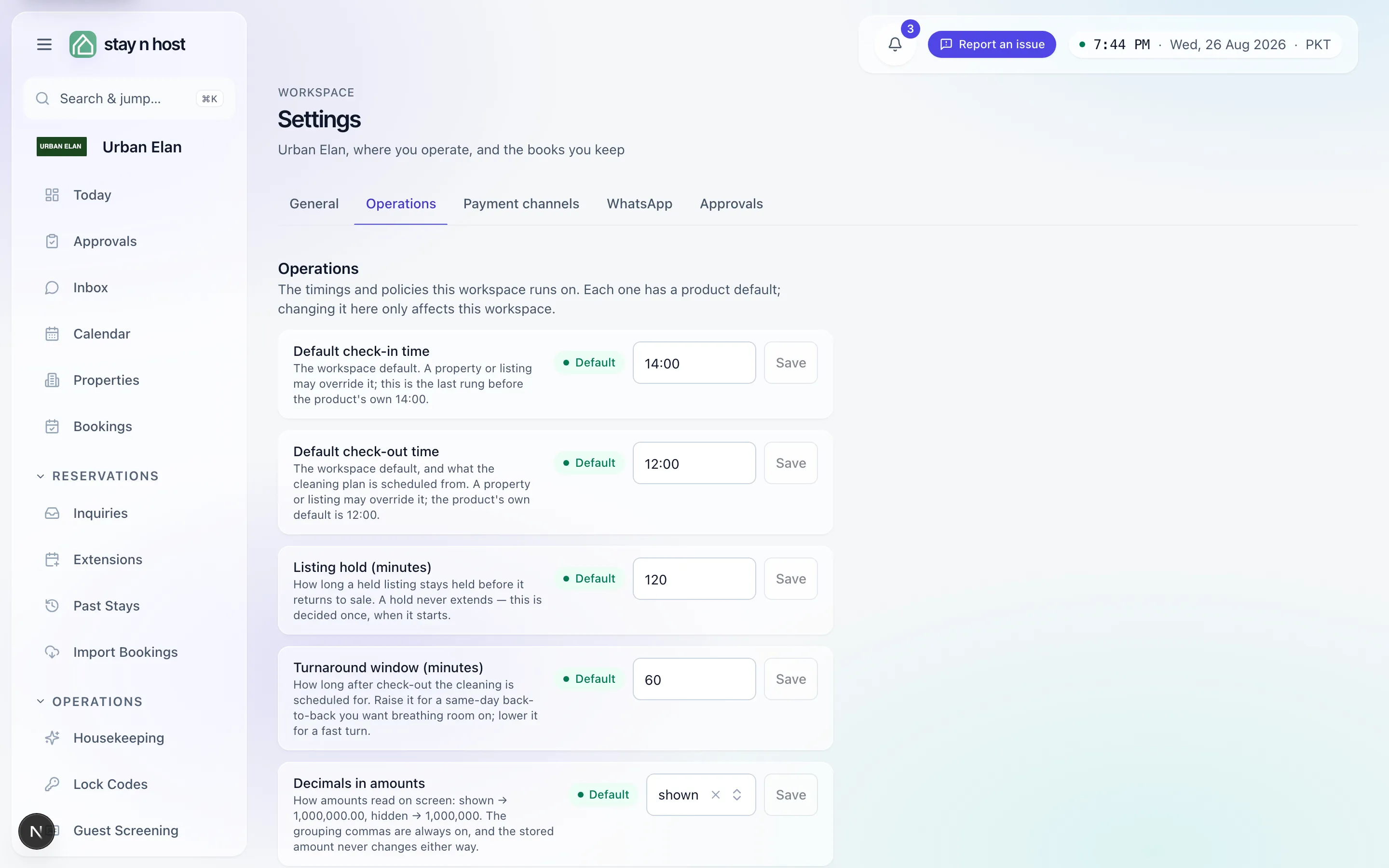
Section titled “Operations”The timings and policies the workspace runs on - each row has its own explanation, its own Save, and a Default pill while untouched. Rows that gate money or the lock-code path are shown but not editable here, on purpose: the page answers “what can I configure?” completely, including “this one, not from here.”
Payment channels
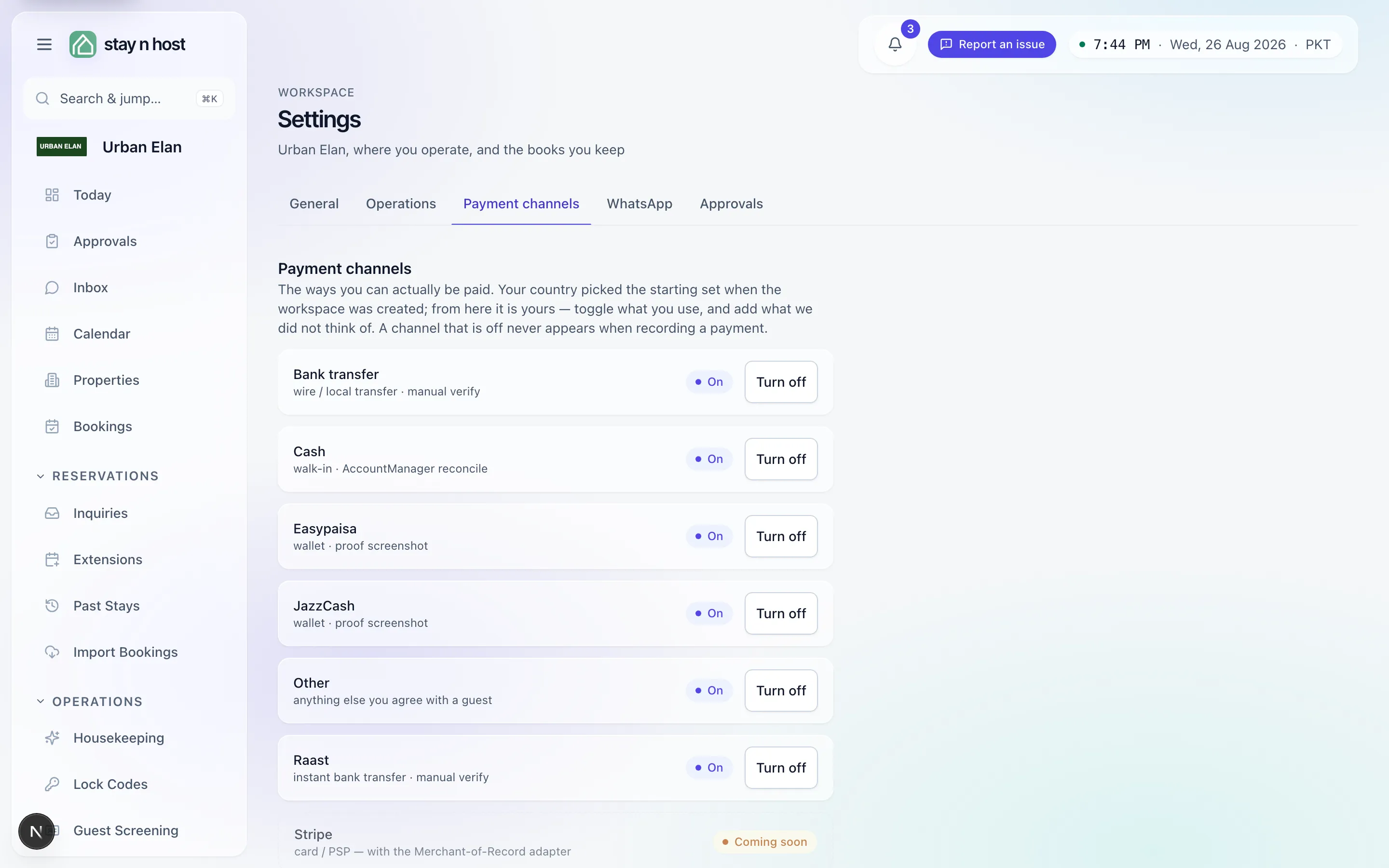
Section titled “Payment channels”The ways you can actually be paid. Your country picked the starting set; from there, toggle rails on and off (a channel that is off never appears when recording a payment), and Add a channel for anything local we did not think of - you name it, give it an id, and say which kind of account its money settles into. Card processing shows as coming soon rather than pretending.
Your own Meta WhatsApp Business app - the number guests see is yours, and so are the credentials, entered here masked and never shared with another workspace. The panel shows the webhook URL to paste into Meta and links the two step-by-step setup guides, because four of these values are unguessable and fail silently when wrong.
Approvals
Section titled “Approvals”Which actions park for an explicit approval step before they take effect - currently the release of quotation links. Covered in its own guide: Require an approval step.
What’s next
Section titled “What’s next”- Require an approval step.
- Your subscription - the plan side of the workspace lives on Billing, not here.